User guide
Fieldsets and groups for custom fields
A fieldset determines which custom fields belong together on a record. Use groups inside it when the form needs separate sections for different kinds of information.
Fieldsets bundle custom fields into reusable palettes (for example, different attributes for Fashion vs. Services). Groups keep each fieldset tidy, letting merchandisers scan the form quickly.
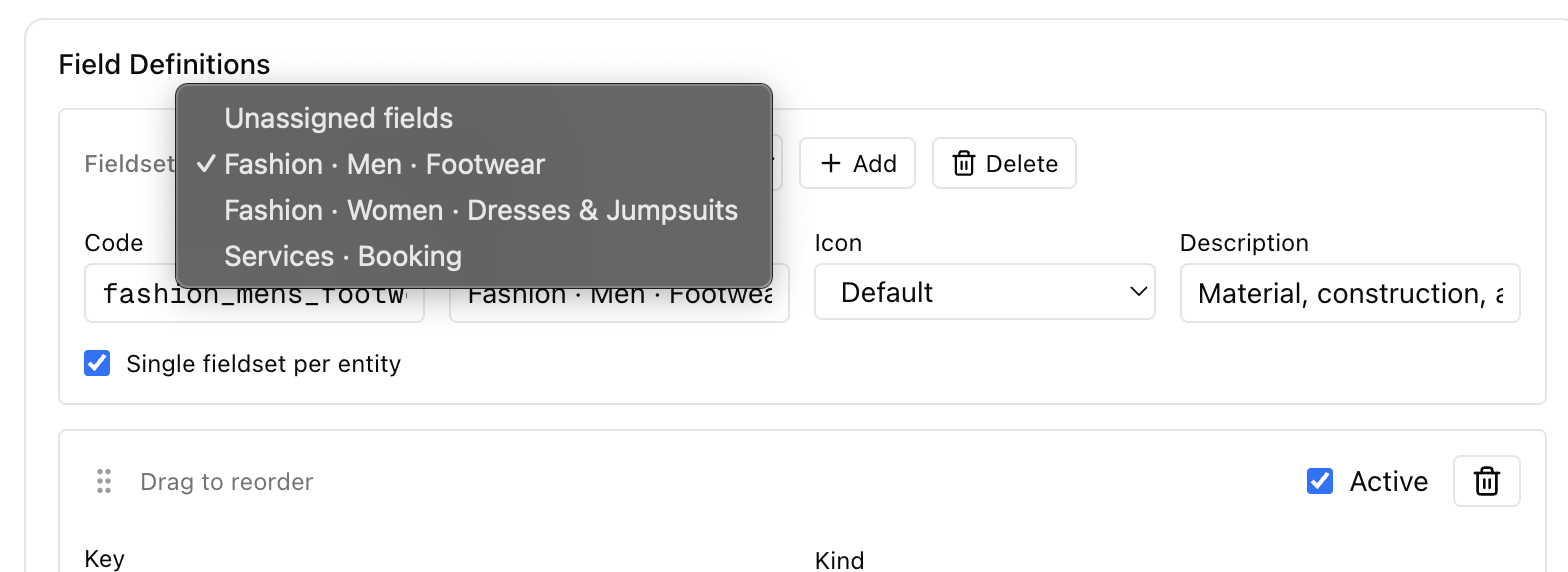
- Go to Backend → Entities, open your entity, and switch to Field Definitions.
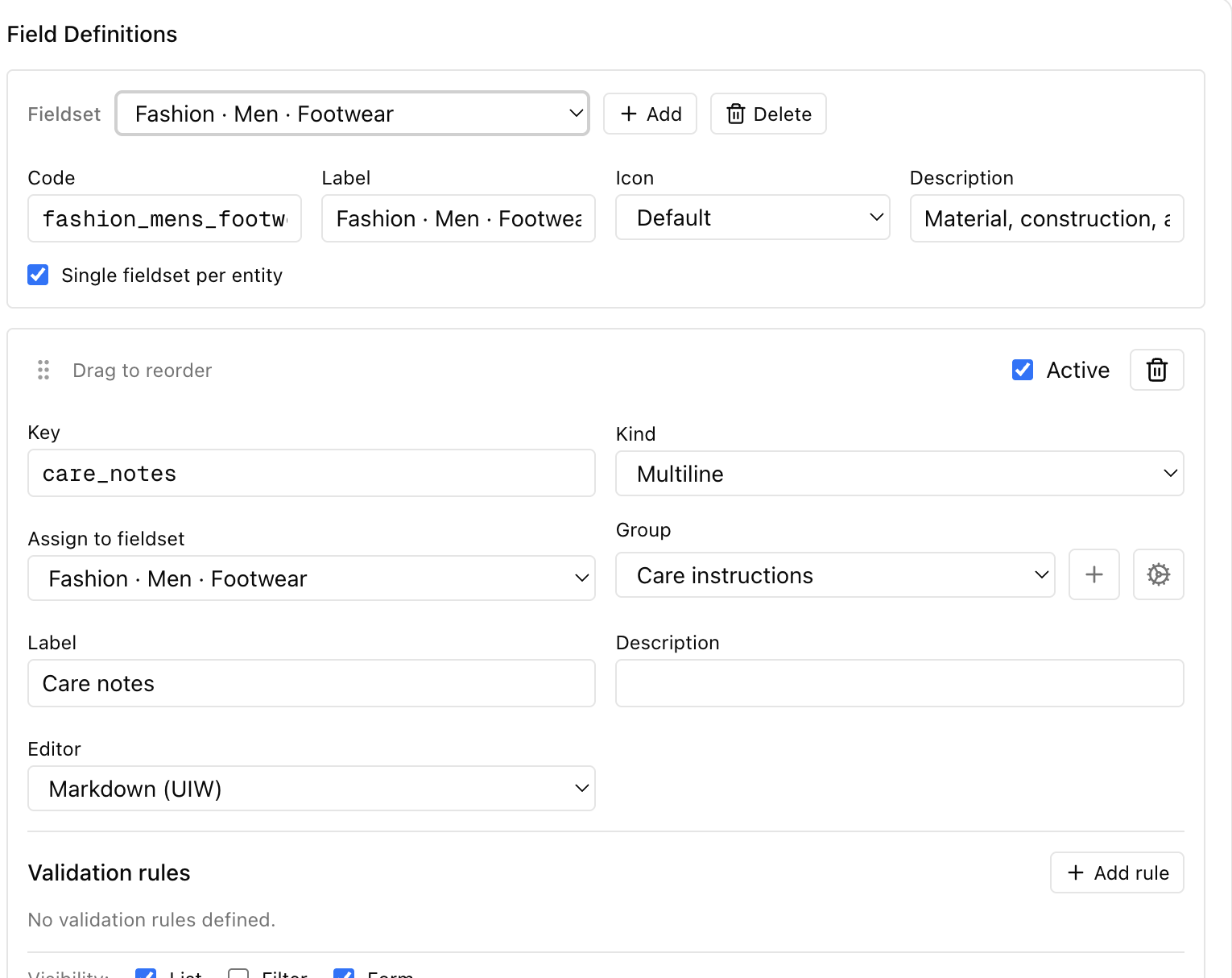
- Use the Fieldset dropdown to pick an existing palette or click Add to create one. Set the code, label, icon, and description to help editors choose the right set.
- Enable Single fieldset per entity if records should only carry one palette; leave it unchecked to allow multiple fieldsets per record.
- Save. The palette appears in forms and filters anywhere that entity is used.
Add groups inside a fieldset
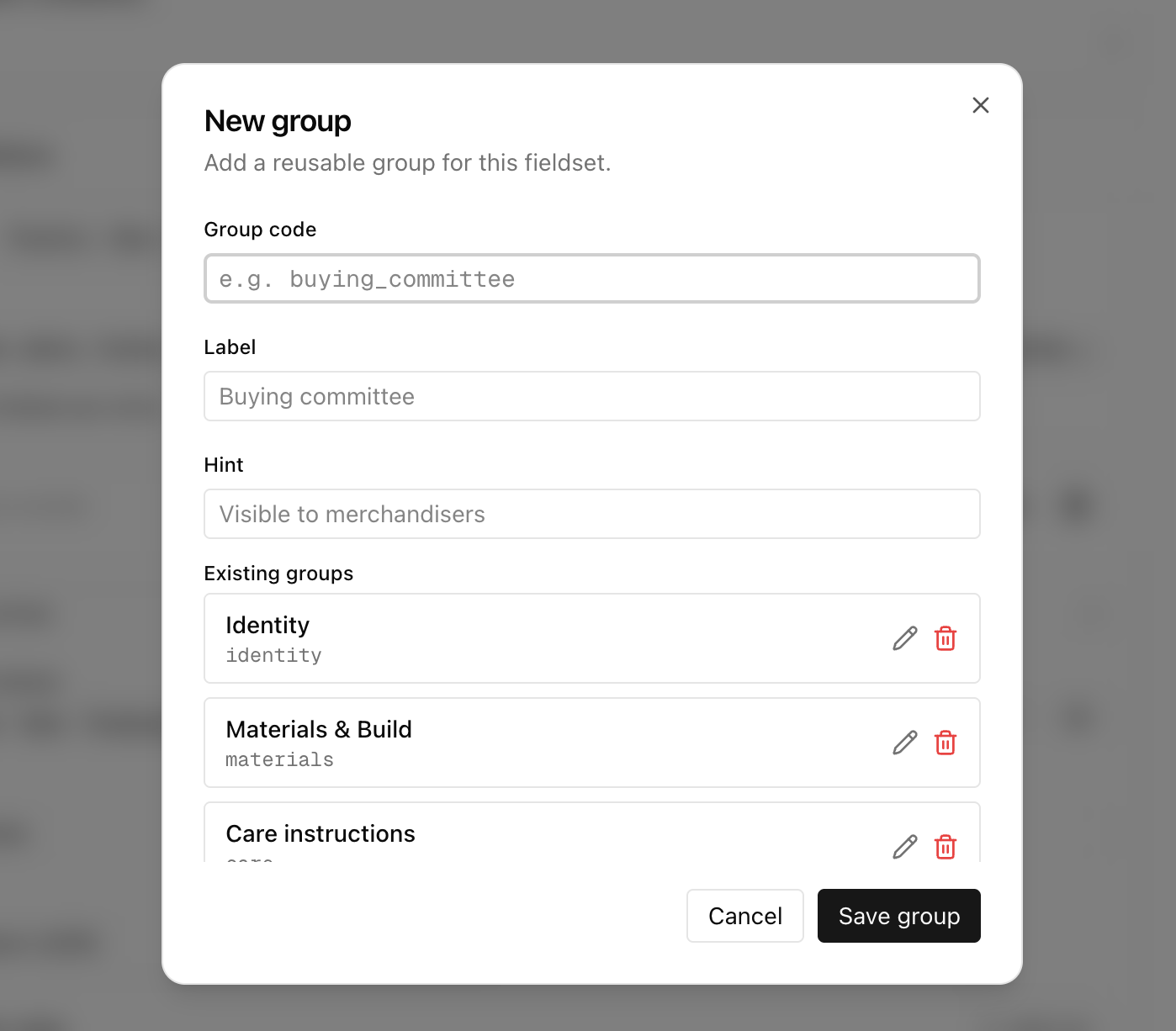
Groups are shared sections within a fieldset (e.g., Identity, Materials, Care instructions). They keep long forms readable and can be reused by many fields.
- From Field Definitions, open the group picker next to Group and click +.
- Provide a Group code (snake_case), Label, and optional Hint.
- Review existing groups, edit labels inline, or delete unused ones. Changes apply to all fields that reference the group.
Assign fields to fieldsets and groups
- When editing a field, choose the Assign to fieldset value so the field only appears when that palette is selected.
- Pick a Group to place the field under a shared heading; use the gear icon to adjust group settings without leaving the field editor.
- Reorder fields within the fieldset to control the final layout shown to editors.
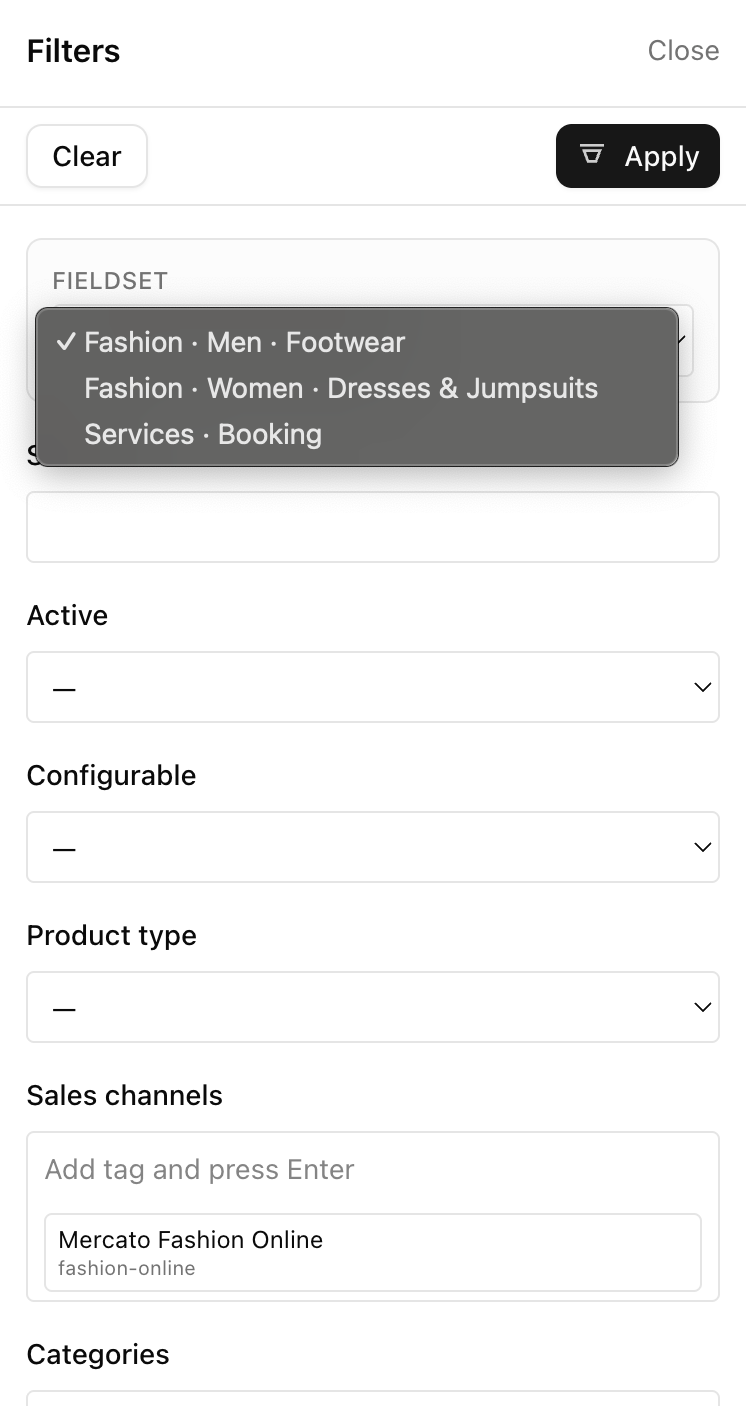
Pick fieldsets when editing or filtering records
Editors can switch palettes while editing a record or filtering lists. The available options mirror the definitions you configured.
Tips
- Keep fieldset codes short and descriptive; use snake_case to align with API payloads.
- Use groups to cluster related attributes (identity, build, care) instead of creating many small fieldsets.
- If you manage definitions in code, include
fieldsets and groups in the payload you send to the Entities API so the UI stays synchronized.
 DocsTopicsSearch docsAPI reference