 DocsTopicsSearch docsAPI referenceDocsTopicsSearch docsAPI reference
Enterprise
Agent Orchestrator is the part of Open Mercato Enterprise that lets a business workflow ask an AI agent for a judgment. You define the question and the tools the agent can use. The workflow decides what happens to the answer. That division matters whenever an answer could change a customer’s record.
A rule can tell you that a deal has spent thirty days in the same stage. Deciding what that means takes context. A buyer might be ready to sign, or a pilot might have stalled. An agent can read the recent activity and suggest a next stage. The sales team still gets to decide under what conditions that suggestion can change the pipeline.
An agent definition gives a job a stable name, instructions, a set of tools and an expected result. A run is one attempt at that job with a particular input. The same definition can assess two deals and reach different conclusions.
A proposal describes a change a workflow can review and apply. The sample deal agent can read a deal and return a suggested stage, its rationale and a confidence score. Reading the proposal in Playground leaves the deal at its current stage.
In the sample workflow, the agent hands its proposal to an approval policy. The configured threshold can admit a proposal automatically or send it to an operator. The operator can approve, edit or reject it in Caseload. A later workflow step applies an accepted change through the Customers module. A rejection ends this run with the deal untouched.
This gives a team two decisions to make independently. Which information would help the agent give a better answer? Which changes should a person sign off? Granting someone permission to run the agent in Playground and granting them permission to approve a proposal are separate choices.
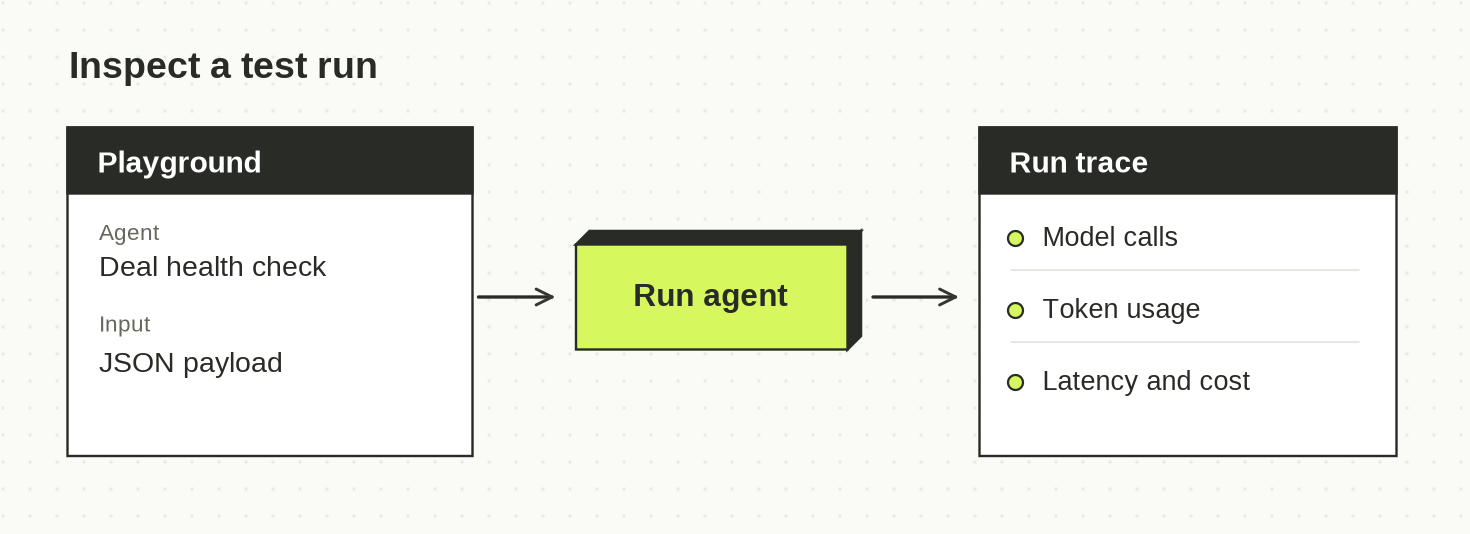
Start with a fictional deal in Playground. Read the proposed stage and its rationale. Open the trace to see the tools and model calls used for that run. Try the same deal with one fact changed, such as a canceled pilot. Comparing those runs gives you a concrete case to test before connecting the agent to a workflow that can write to live records.
Run the deal health check in Playground for the setup, sample input and trace walkthrough. To see how the example is wired in code, read the agent definition and the approval workflow.