 DocsTopicsSearch docsAPI referenceDocsTopicsSearch docsAPI reference
Enterprise
Pilot an MFA policy with a small group. Check which users have enrolled and how an administrator recovers a lost factor before applying the same policy to the rest of the organization.
For administrators, MFA is not only a user feature. It is a policy tool for reducing account takeover risk across the organization.
Enforcement policies control whether MFA is required and which methods are acceptable. They are managed from Security → Enforcement (/backend/security/enforcement).
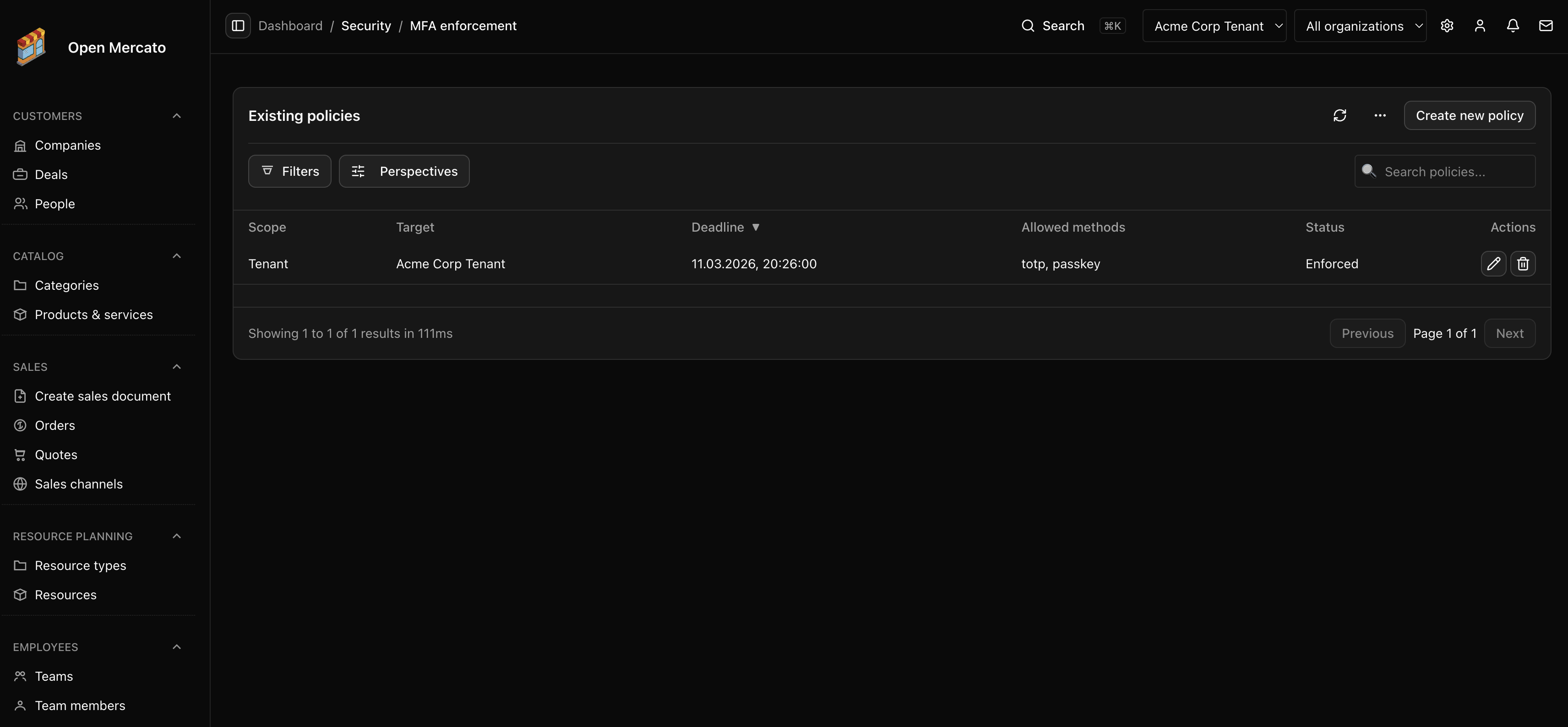
Each policy defines:
| Field | Description |
|---|---|
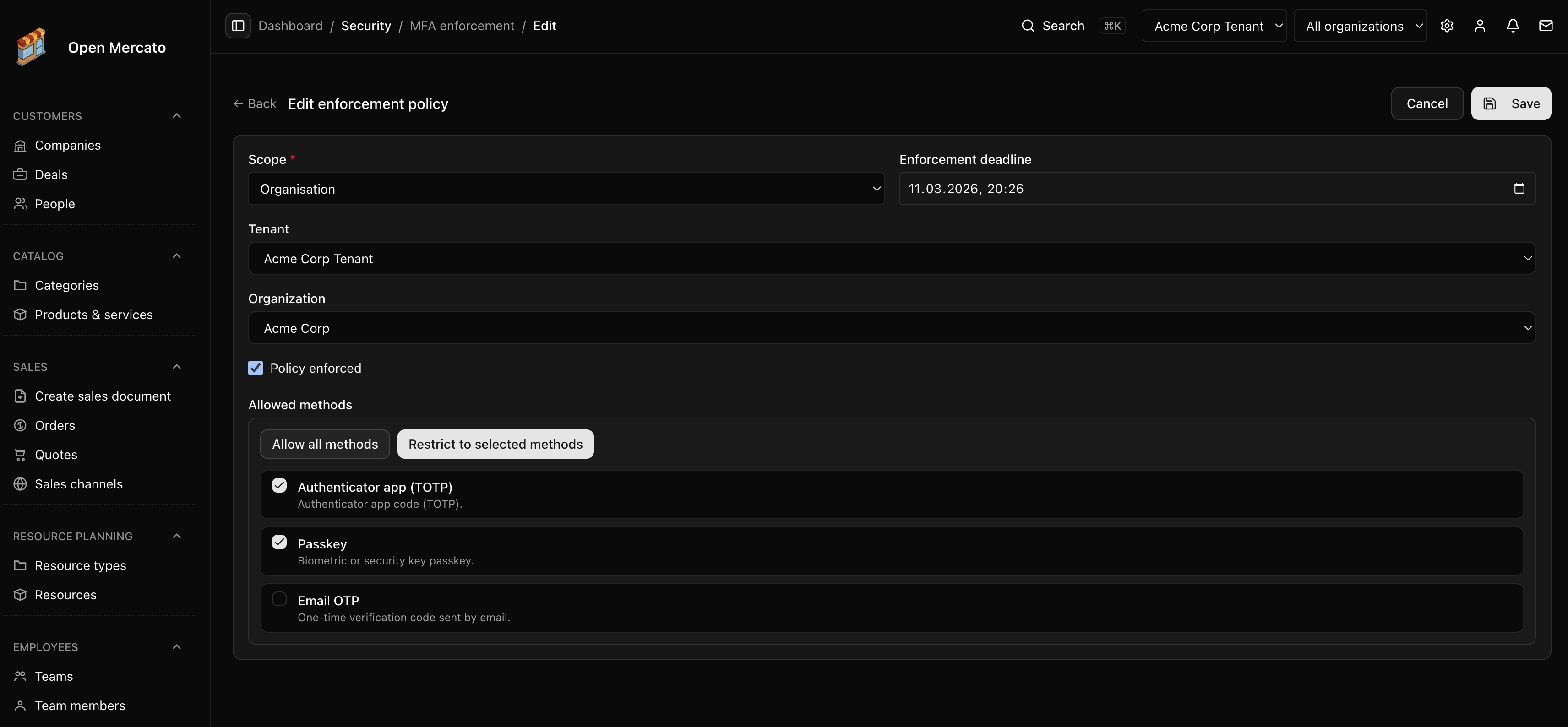
| Scope | The level at which the policy applies: platform, tenant, or organisation |
| Target | The specific tenant or organisation the rule targets (platform scope applies to all tenants) |
| Enforcement | Whether MFA is currently required (Enforced) or the policy is inactive (Disabled) |
| Allowed methods | Optionally restrict which MFA methods count as valid (e.g. only passkey and TOTP). When empty, all configured methods are accepted |
| Deadline | An optional date after which unenrolled users are blocked from continuing. Before the deadline passes, they are warned but not blocked |
Policies can be filtered by scope and status, and searched by target identifiers or allowed methods.
Click Create new policy or an existing row to open the policy form. The same form is used for creating and editing.
The most practical rollout usually happens in stages:
Disabled state to prepare configuration without affecting users.Enforced once adoption is high enough.From Security → Users (/backend/security/users), administrators can review the MFA status of every user – whether they are enrolled, how many methods are configured, how many recovery codes remain, and whether they are compliant with the active enforcement policy.
When a user loses access to their MFA device or recovery codes, an administrator can reset their MFA from the user detail page (/backend/security/users/[id]). The reset removes all enrolled methods for that user.
Because a reset temporarily lowers the protection on the account until the user re-enrolls, the action is protected by a sudo challenge – the administrator must re-authenticate before the reset is accepted. A reset reason is required and recorded for audit purposes.
If your organization needs a custom MFA method beyond the built-in options, see Extending MFA providers.
Use a pilot account that has already enrolled and another that has not. Sign each in under the proposed policy and check what the user sees. Verify which administrator can reset a lost factor before expanding the policy.