 DocsTopicsSearch docsAPI referenceDocsTopicsSearch docsAPI reference
Enterprise
Set up a second factor from a device you can use at your next sign-in. Keep a recovery code somewhere you can reach if that device goes missing, then try a fresh sign-in while your current session is still available.
MFA adds a second proof of identity after the password step. For users, this means one extra confirmation during sign-in, but much stronger protection if a password is leaked, reused, or guessed.
Users manage MFA from Profile → Security → Multi-factor authentication (/backend/profile/security/mfa). The page lists all available providers and shows how many methods are configured for each.
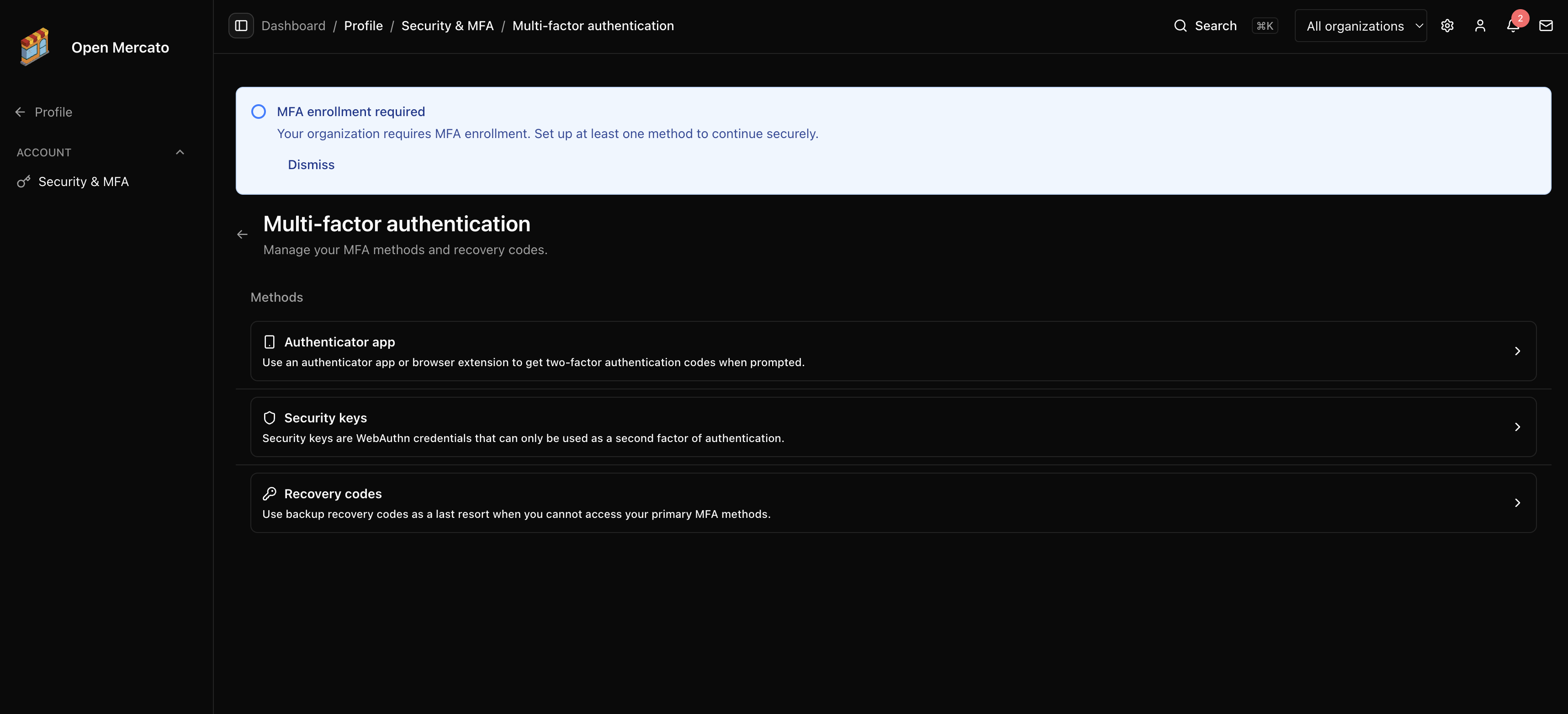
| Method | Best for | Notes |
|---|---|---|
| Authenticator app | A familiar and reliable second factor | Good default choice for many teams |
| Passkey | The strongest and smoothest modern experience | Especially useful on managed devices |
| Email code | A simple entry point for early rollout | Lower friction for gradual adoption |
| Recovery codes | Backup access when the main method is unavailable | Should be stored safely offline |
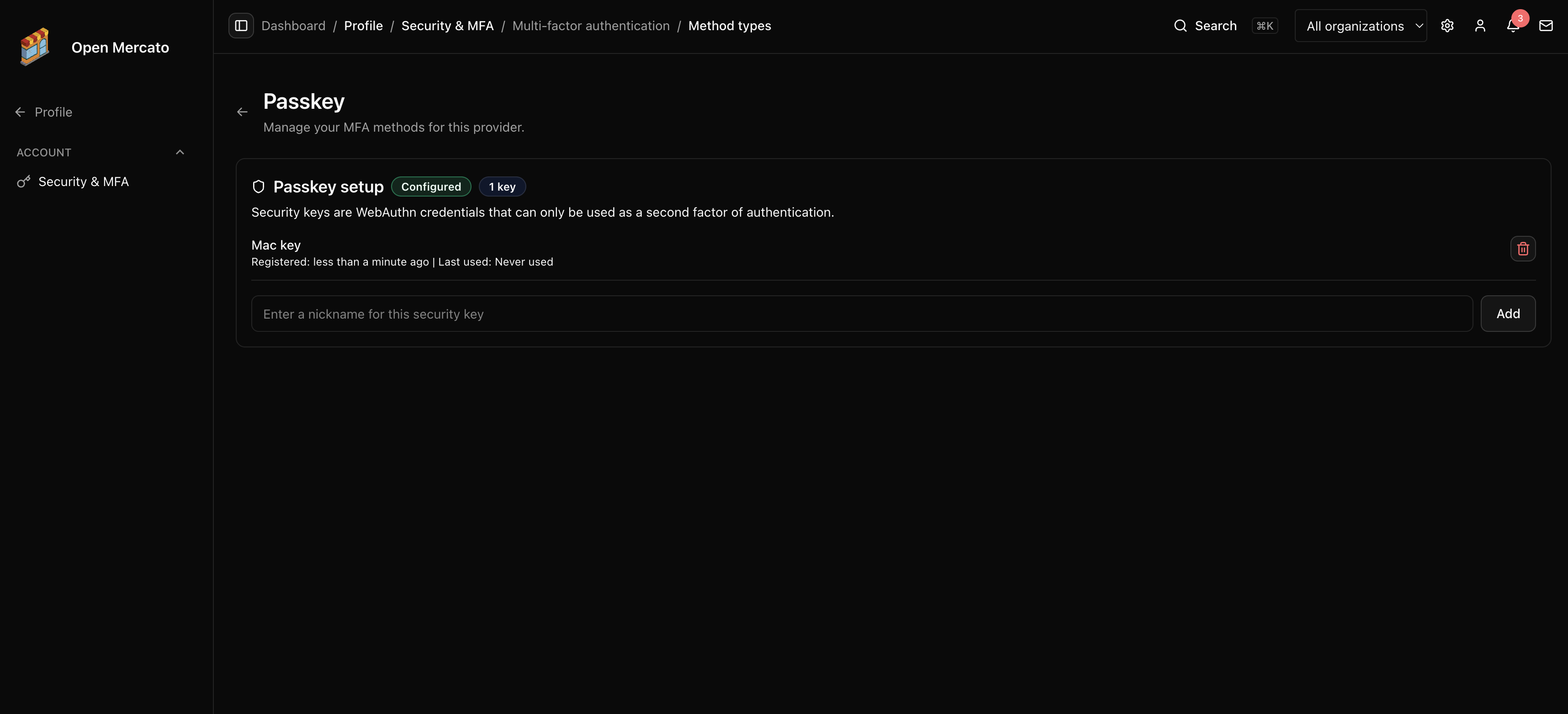
Clicking a provider opens its dedicated setup page (/backend/profile/security/mfa/[providername]). There the user can add new credentials, see existing ones, and remove any they no longer use. Providers that support multiple credentials (e.g. passkeys on different devices) show each one separately.
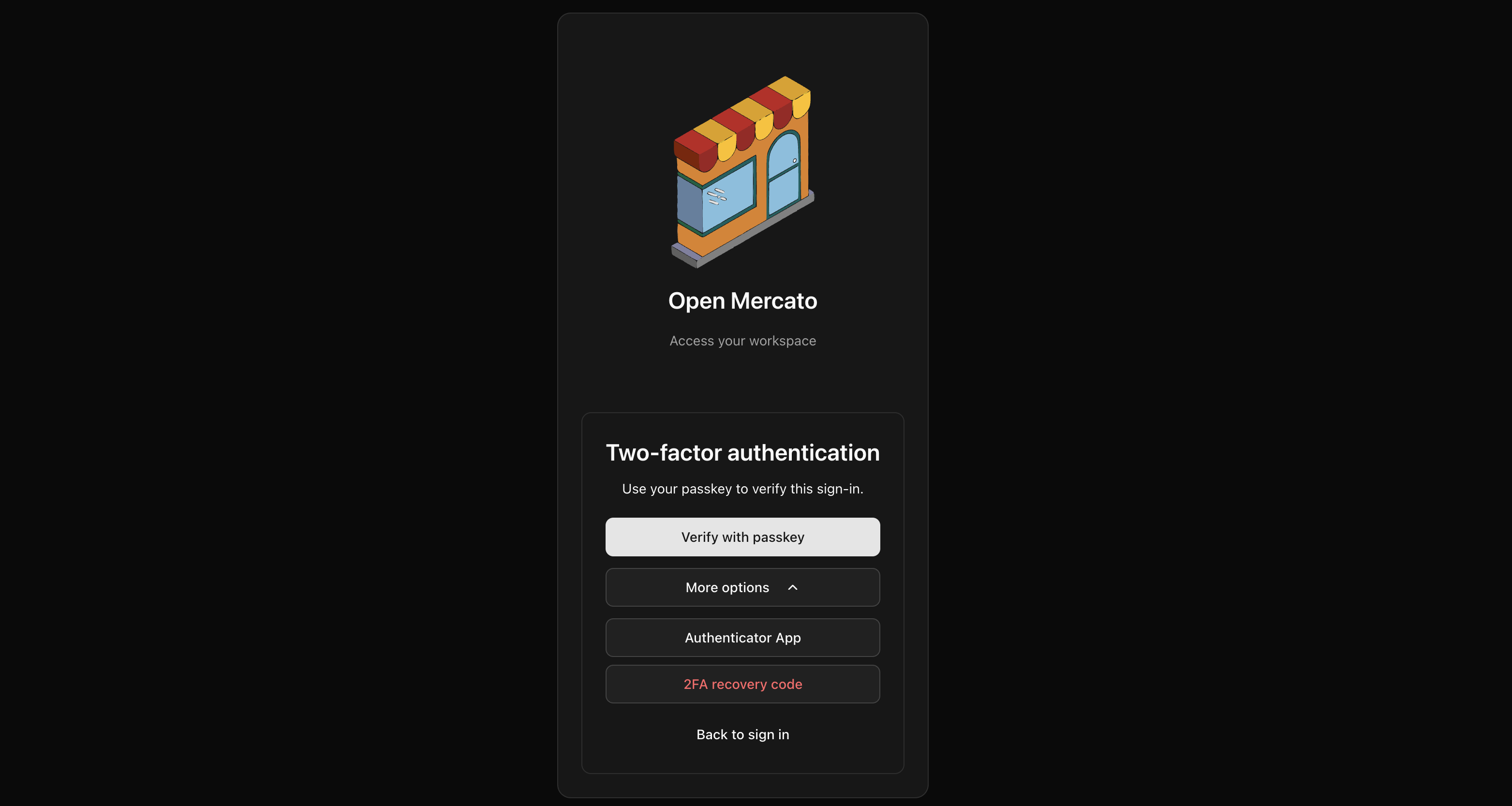
After entering the correct password, users who have MFA enabled are asked for a second factor before the session continues. The challenge panel lets them pick whichever configured method is most convenient at that moment.
If more than one method is available, users can expand More options to switch. When the primary device is unavailable, a 2FA recovery code can be used as a fallback.
Recovery codes are the safety net of the MFA experience.
Some organizations treat MFA as optional, while others require it for everyone or for selected groups.
When MFA is required, users are guided to enroll before they continue working. This allows teams to roll out stronger protection without leaving users unsure about what happens next.
If you are managing rollout and policy rather than using MFA yourself, see MFA for admins.