 DocsTopicsSearch docsAPI referenceDocsTopicsSearch docsAPI reference
Build an application
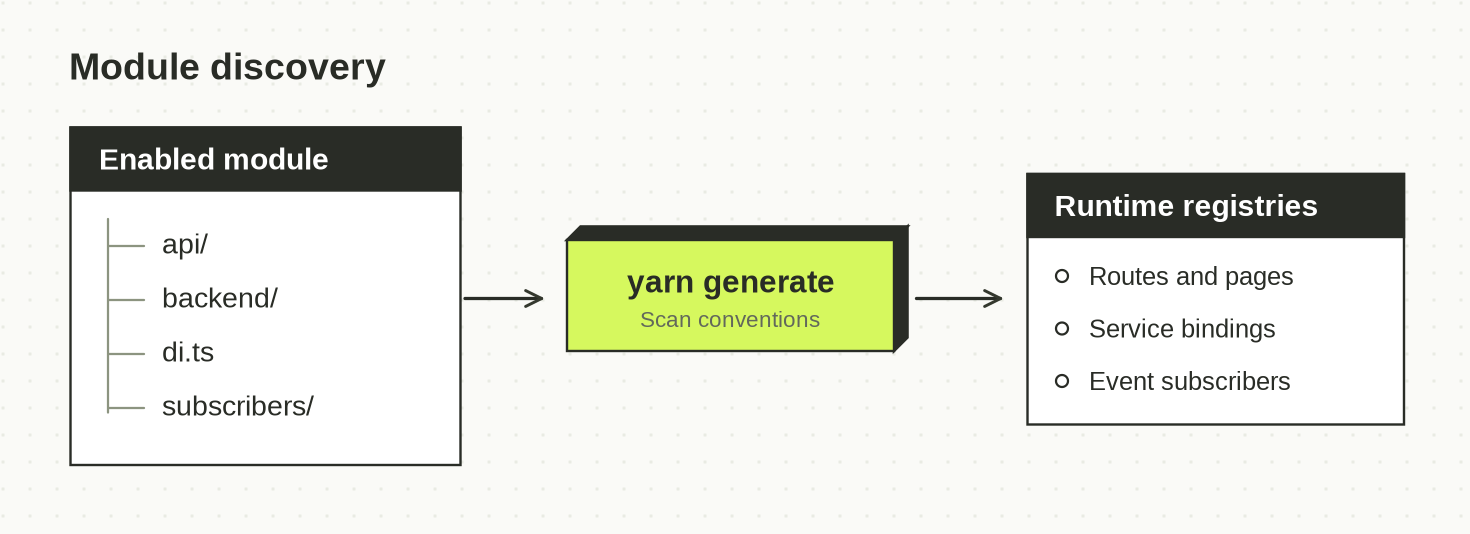
Give dispatchers a Service visits page before adding a database table. A page with a working permission check lets you verify three things early: the generator can see your module, the route resolves and the right users can open it.
In the standalone app, create src/modules/service_visits/. Add this entry to the existing enabledModules array in src/modules.ts.
{ id: 'service_visits', from: '@app' },In src/modules/service_visits/index.ts, describe the module.
export const metadata = {
  name: 'service_visits',
  title: 'Service visits',
  version: '0.1.0',
}
In the same module, create acl.ts. The feature ID names the capability that an administrator can grant.
export const features = [
  { id: 'service_visits.view', title: 'View service visits', module: 'service_visits' },
]
Create backend/page.meta.ts with the page title, navigation group and access rule.
export const metadata = {
  pageTitle: 'Service visits',
  pageGroup: 'Operations',
  requireAuth: true,
  requireFeatures: ['service_visits.view'],
}Create backend/page.tsx alongside the metadata.
export default function ServiceVisitsPage() {
  return <h1>Service visits</h1>
}
From the app root run yarn generate. Restart the dev server if it was already running. In the back office, grant View service visits to your test role and open the page from Operations. Check it again as a signed-in user without the grant. As you add data, protect API methods independently and scope their queries to the caller's organization and tenant.
Shipped module manifest · Example page and metadata · Expose an entity through the API
Previous: Run your first Open Mercato app · Next: Give a role access to the right records