User guide
Customers overview
Choose a person, company or deal according to what you need to track. Activities and notes keep the history alongside the customer record.
The Customers module bundles company, people, and deal management into a single CRM workspace. Pages auto-discover from module metadata, so once features are assigned (customers.*) the navigation renders automatically under the Customers section of the admin sidebar.
- Companies workspace – review account records, manage tabs for activities, deals, addresses, and keep linked contacts up to date. See Companies for the complete walkthrough.
- People workspace – manage contact lists, interaction timelines, and linked deals or tasks without leaving the page. Dive into People for detailed UI guidance.
- Deals workspace – track pipeline health through lists and kanban boards, edit opportunity details, and collaborate with notes and activities. See Deals for full coverage of the pipeline tooling.
Customer dictionaries and currencies
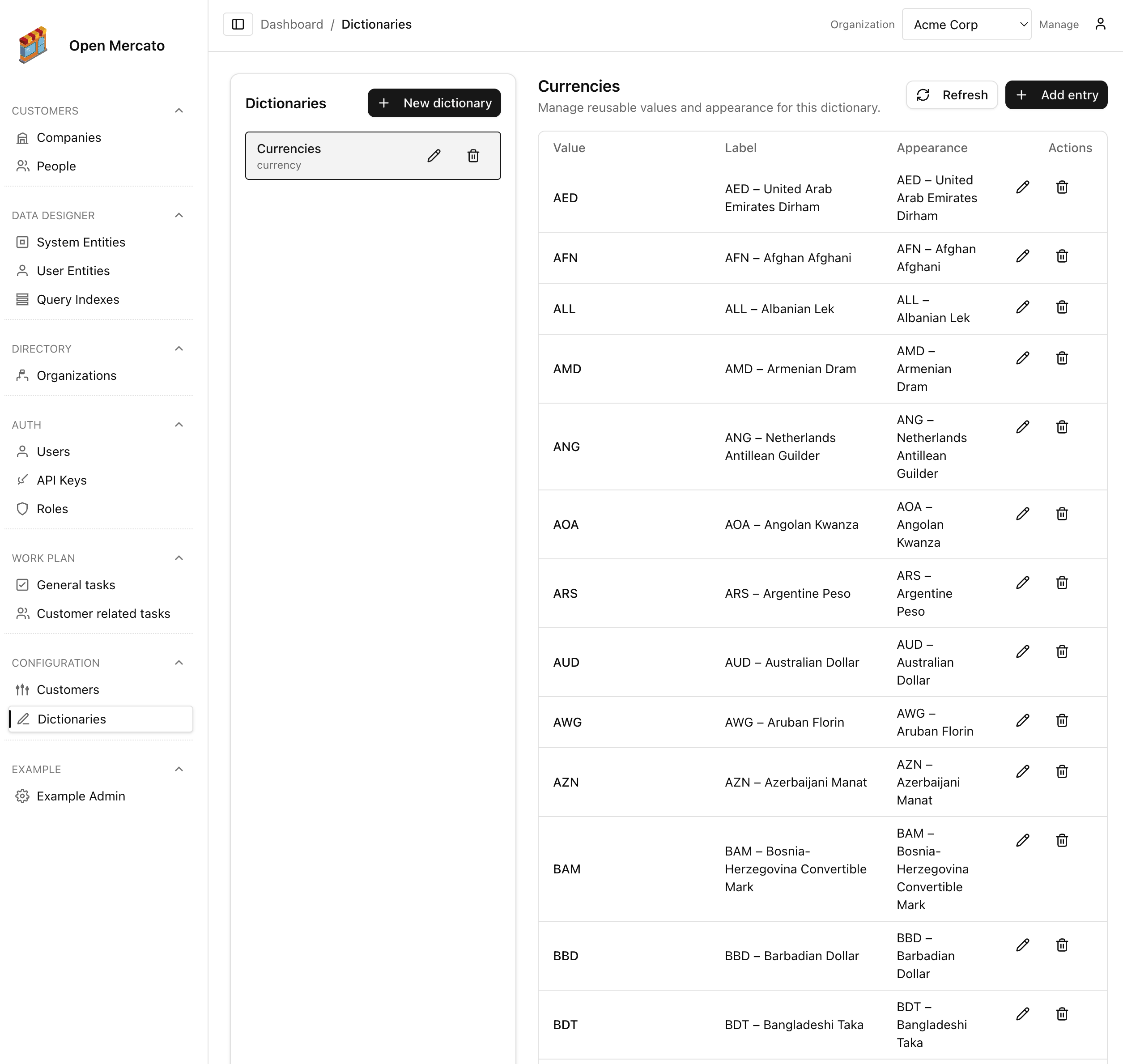
- Open Customers → Configuration to manage module-specific dictionaries – statuses, sources, lifecycle stages, job titles, deal stages, and address types. Each dictionary entry can carry a label, icon, and highlight colour for consistent UI badges.
- Currency management lives in the same dictionary interface. The customers CLI seeds a comprehensive currency list from
Intl.supportedValuesOf('currency') (see packages/core/src/modules/customers/cli.ts). Refresh pulls the latest entries from parents when you inherit values across the org tree.
- Scope – dictionaries respect organization hierarchy. Entries marked Inherited are read-only in child organizations; edit them at the source to cascade updates.
- API and automations reuse the same data. Dictionary CRUD endpoints sit under
/api/customers/dictionaries/{kind} and accept JSON payloads validated with zod schemas.
Features and access control
- View rights:
customers.people.view, customers.companies.view, and customers.deals.view gate the main workspaces.
- Manage rights:
customers.people.manage, customers.companies.manage, customers.deals.manage, and customers.activities.manage allow create/update operations and activity logging.
- Configuration: only operators with
customers.settings.manage can change dictionaries or address format preferences.
- Remember to pair feature grants with organization scope so multi-tenant deployments stay isolated.
 DocsTopicsSearch docsAPI reference