 DocsTopicsSearch docsAPI referenceDocsTopicsSearch docsAPI reference
User guide
Use a dictionary when operators should choose from a shared list of terms. Populate its entries in the right tenant, then reference the dictionary from the custom field.
Dictionaries centralize the enums you reuse across teams – think lifecycle stages, contact sources, or address types. Each tenant can curate its own values, and the UI, APIs, and custom fields stay in sync automatically.
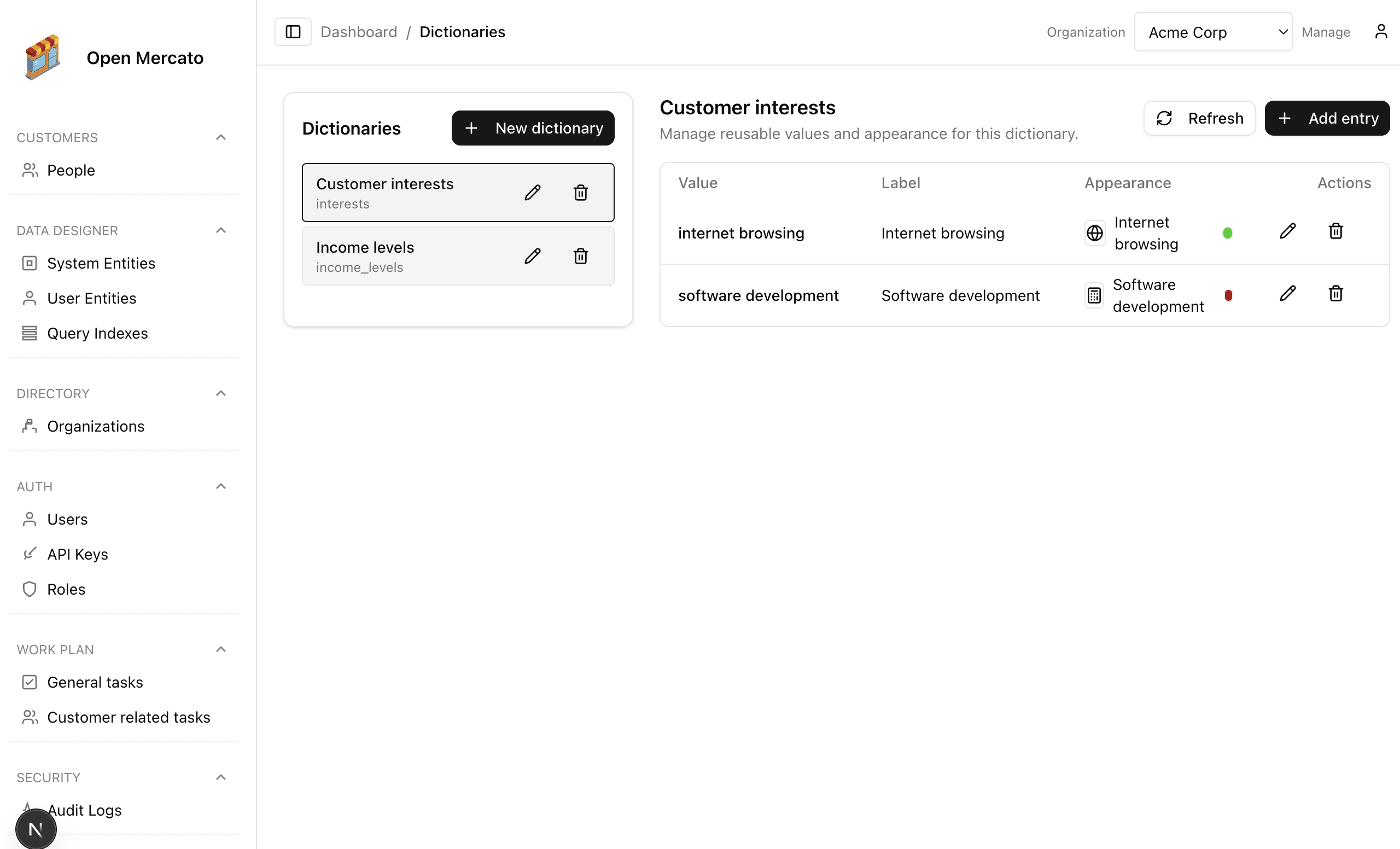
Need to seed dictionaries in code? Export them from a module command – for example packages/core/src/modules/customers/commands/people.ts shows how to batch-create entries – or wire them into your deployment scripts.
Each dictionary stores values per organization and tenant. To populate them:
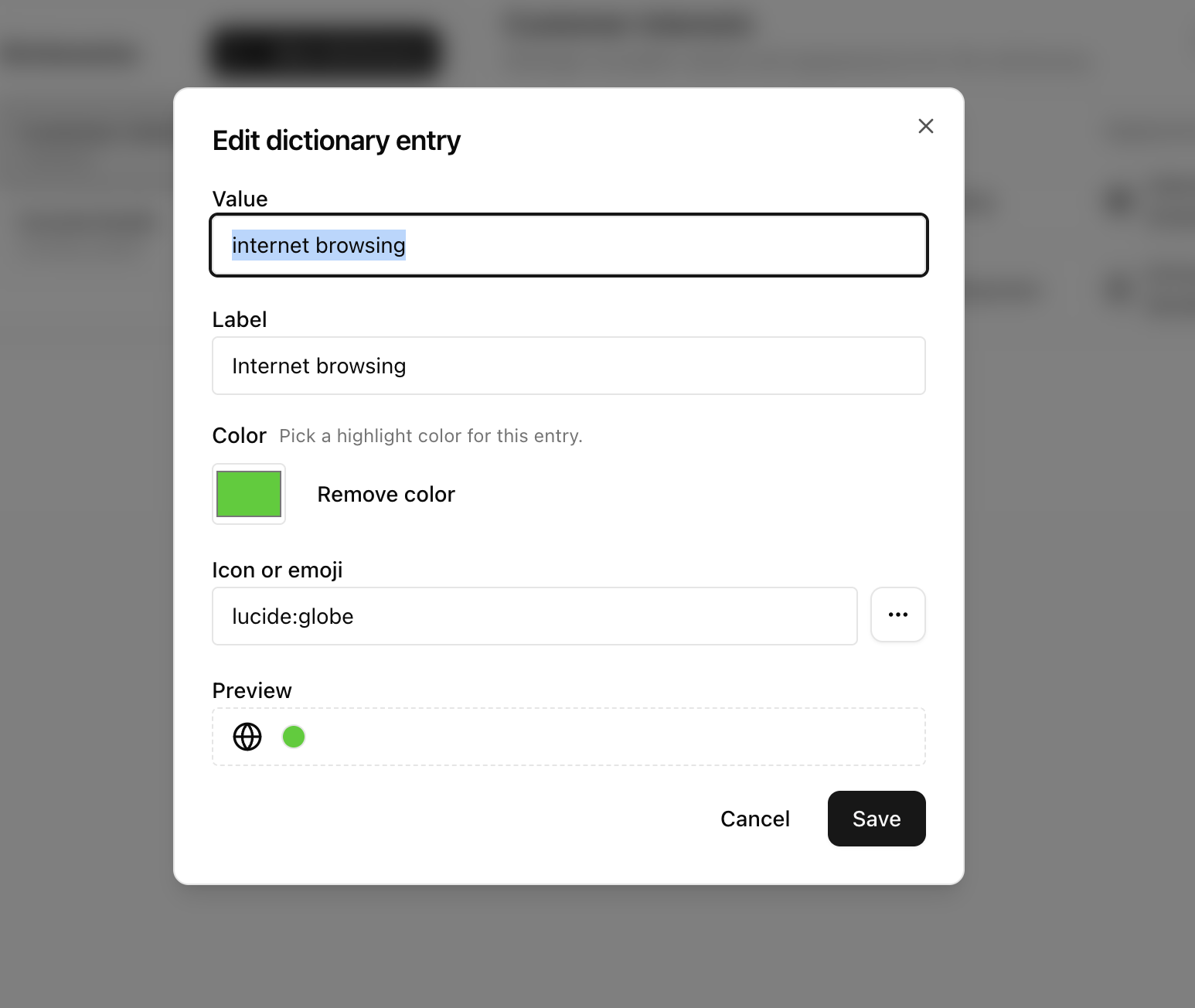
Entries can be imported via API as well – see /api/dictionaries/{id}/entries.
Custom fields can draw options from any dictionary, ensuring both CRUD forms and APIs reuse the same value list.
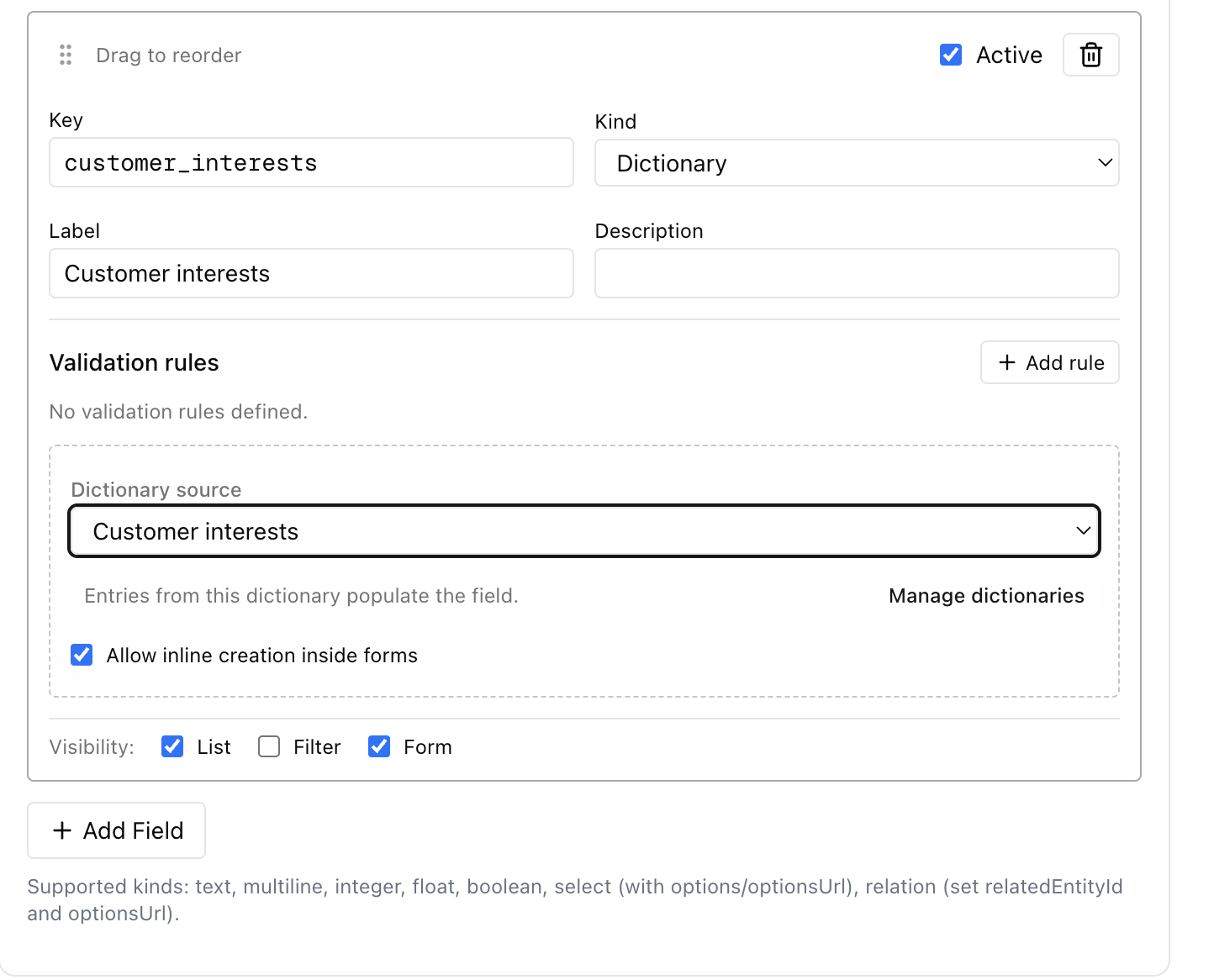
Allow inline create) when filling forms.yarn mercato entities install --tenant <tenantId> so definitions sync with your tenants.Prefer defining fields in code? Use the DSL helper:
import { defineFields, cf, entityId } from '@open-mercato/modules/dsl';

export const entities = [
  defineFields(
    entityId('auth', 'user'),
    [
      cf.dictionary('lifecycle_stage', 'customers:lifecycle-stages', {
        label: 'Lifecycle stage',
        formEditable: true,
        filterable: true,
      }),
    ],
    'compliance'
  ),
];
Replace 'customers:lifecycle-stages' with the <module>:<dictionary> identifier you maintain. Inline creation is enabled by default in code; pass { dictionaryInlineCreate: false } to lock the list down.
cf_<key> with the entry ID, and the data engine persists it.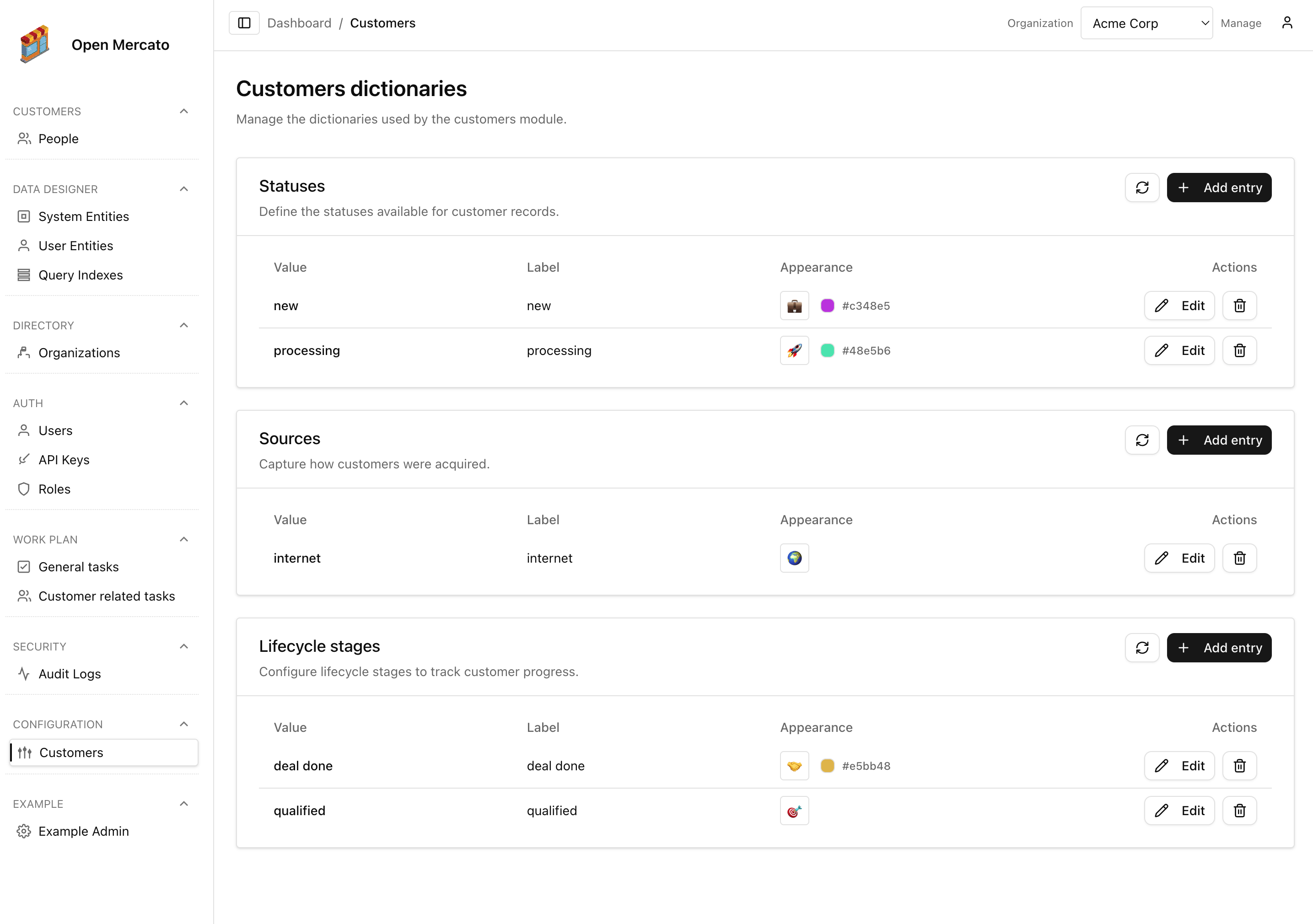
With dictionaries plus custom fields, each tenant curates its own controlled vocabularies while sharing a single module codebase.