User guide
Products and sales channels
Create the product record, choose its variants and decide which offers belong on each sales channel. Check the channel when a product is present in the catalog but missing from a listing.
Prices can vary by sales channel or price kind.
Browse and filter products
Open Catalog → Products & services to search the catalog, filter by title or SKU, and jump into editing an item.
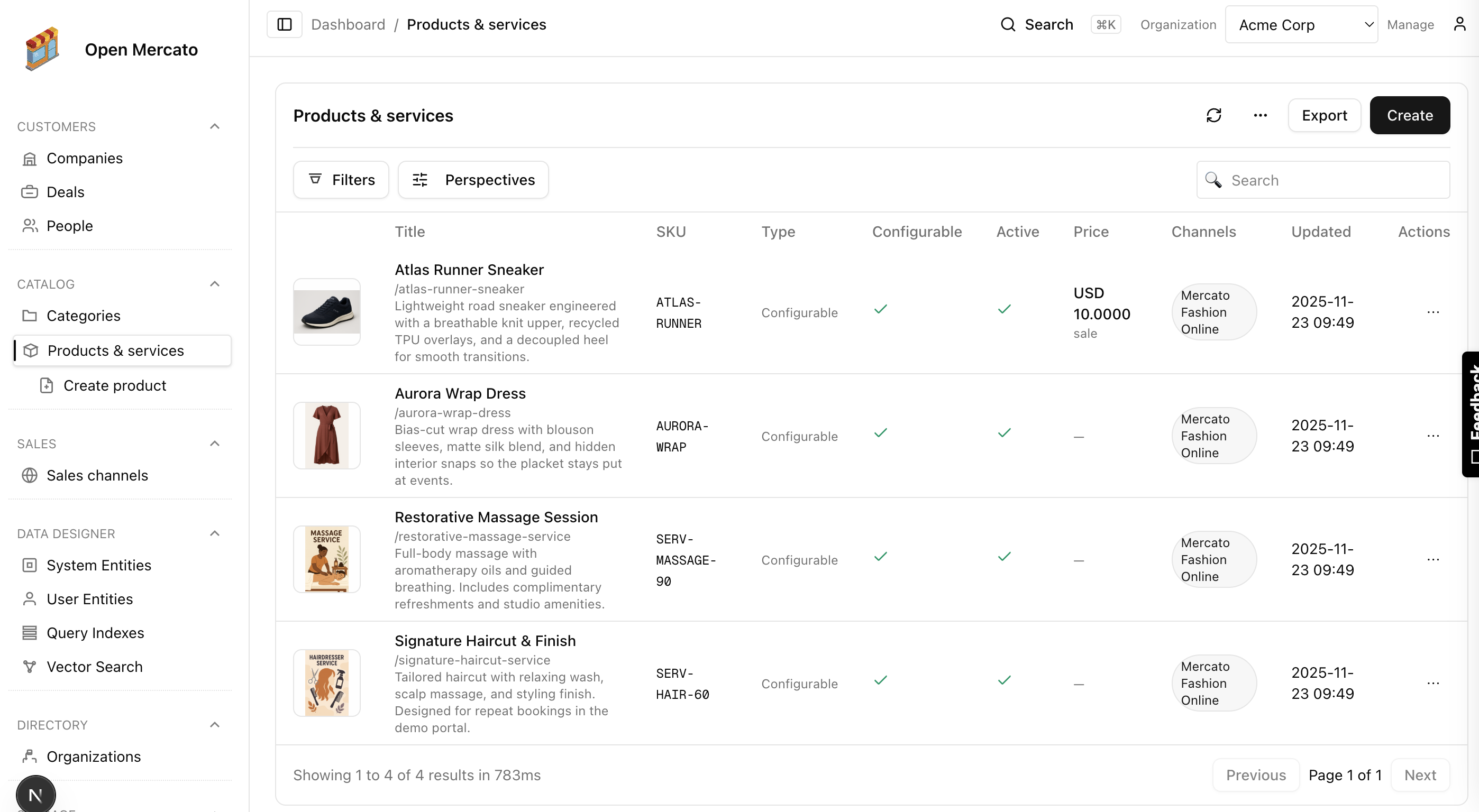
Create or edit a product
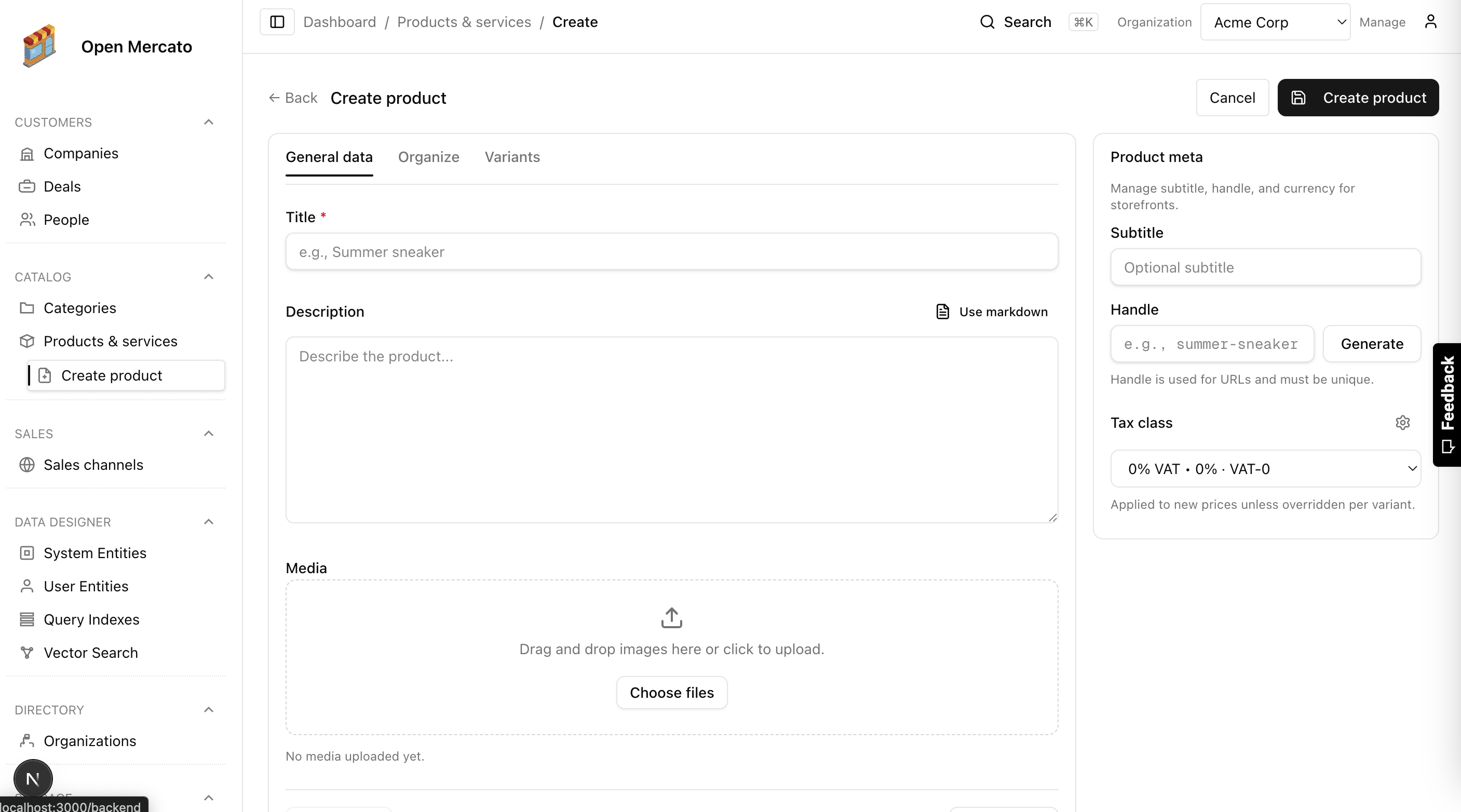
- Click Create product (or open any product to edit it). Fill General data with the title, description, media, handle, and default tax class.
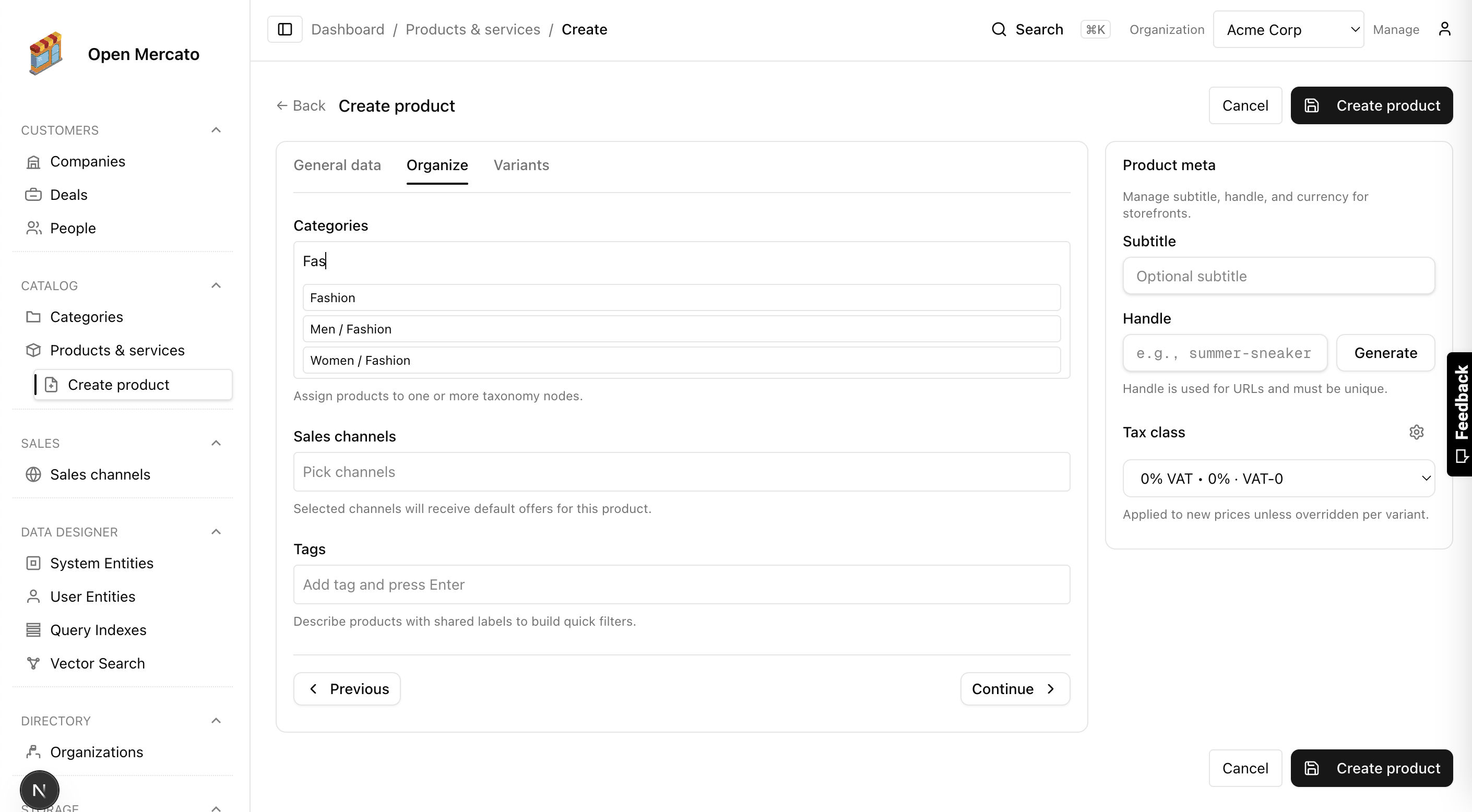
- Switch to Organize to assign categories, tags, and default sales channels that should receive offers automatically.
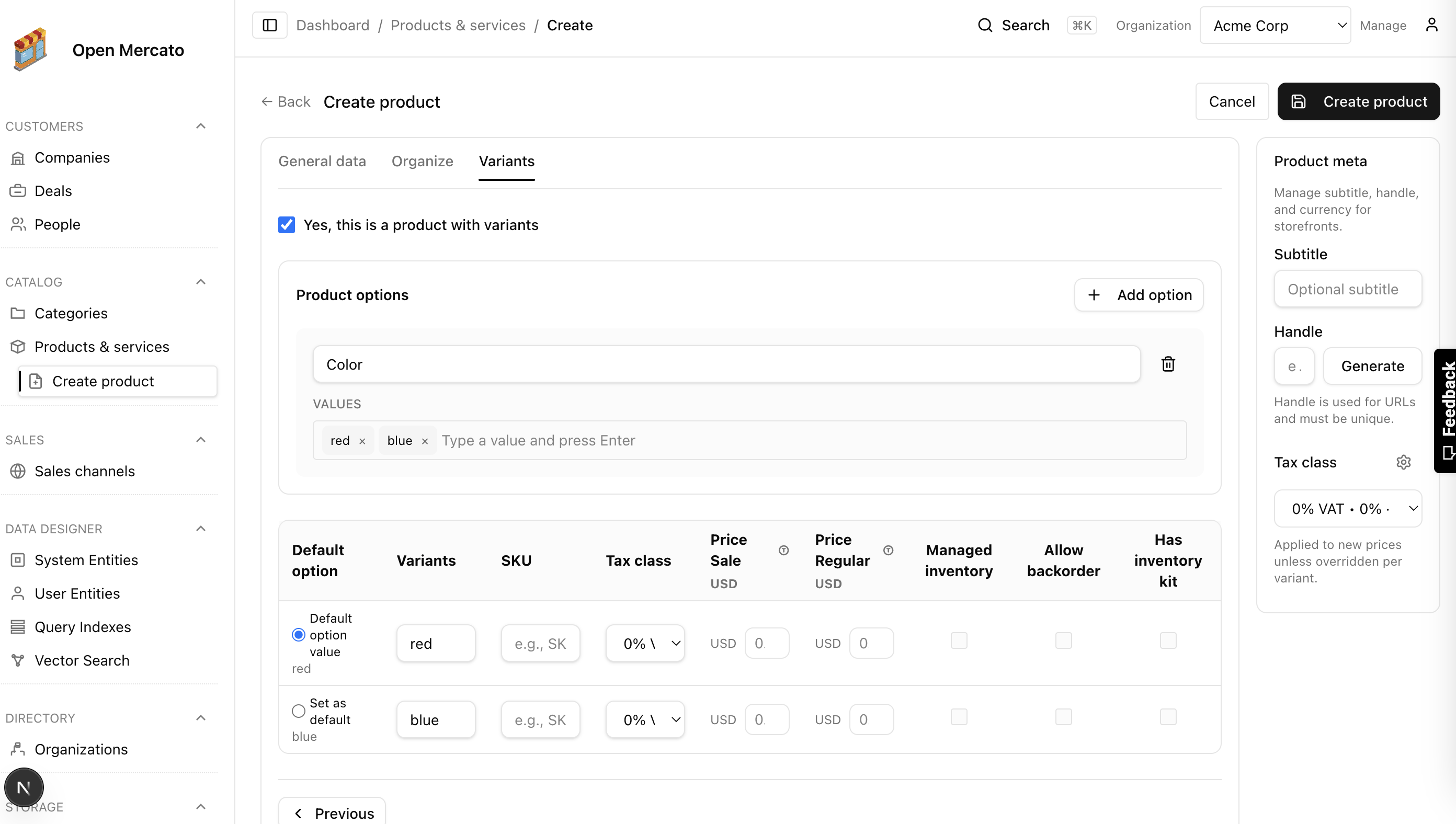
- Use Variants when the product has options (e.g., color). Add option values, then set SKUs, tax classes, base prices, and inventory flags per variant.
- Save. Editing a product reuses the same form, so you can return later to adjust content, pricing, or tax class without recreating variants.
Manage sales channels
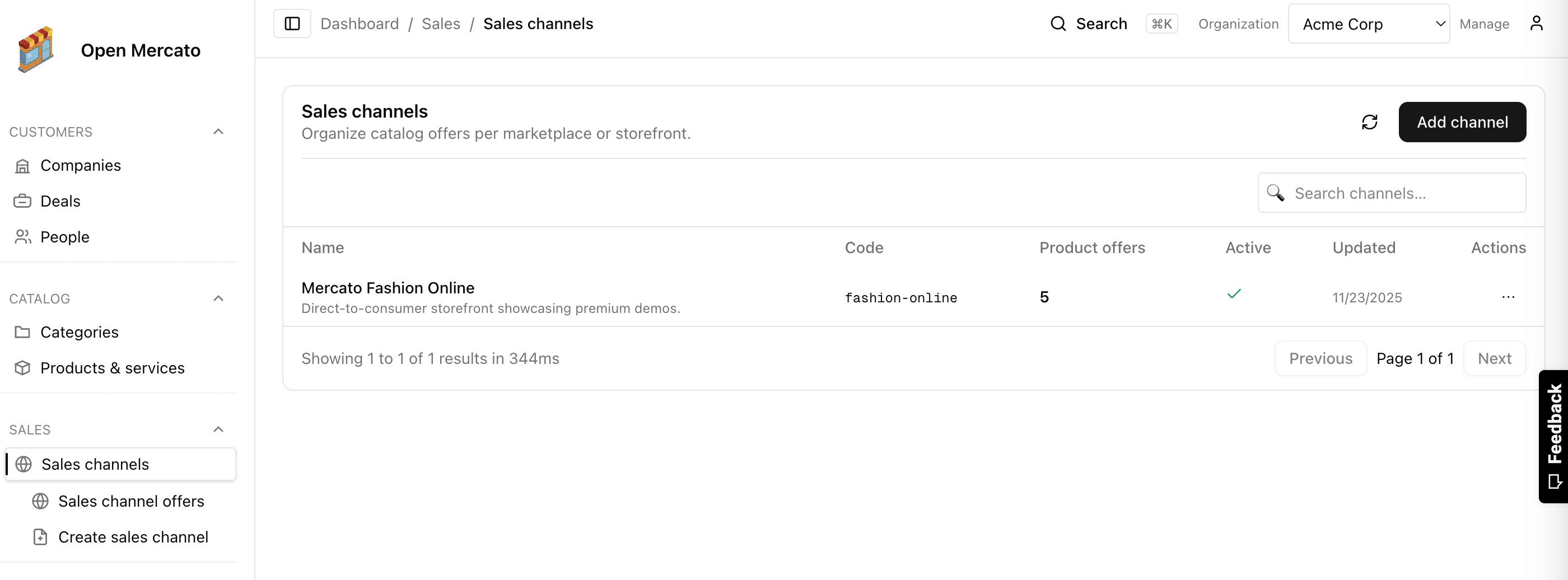
Sales channels define where products are published (e.g., online store, marketplace, in-store POS).
- Open Sales → Sales channels to review the list, search, and open channel details.
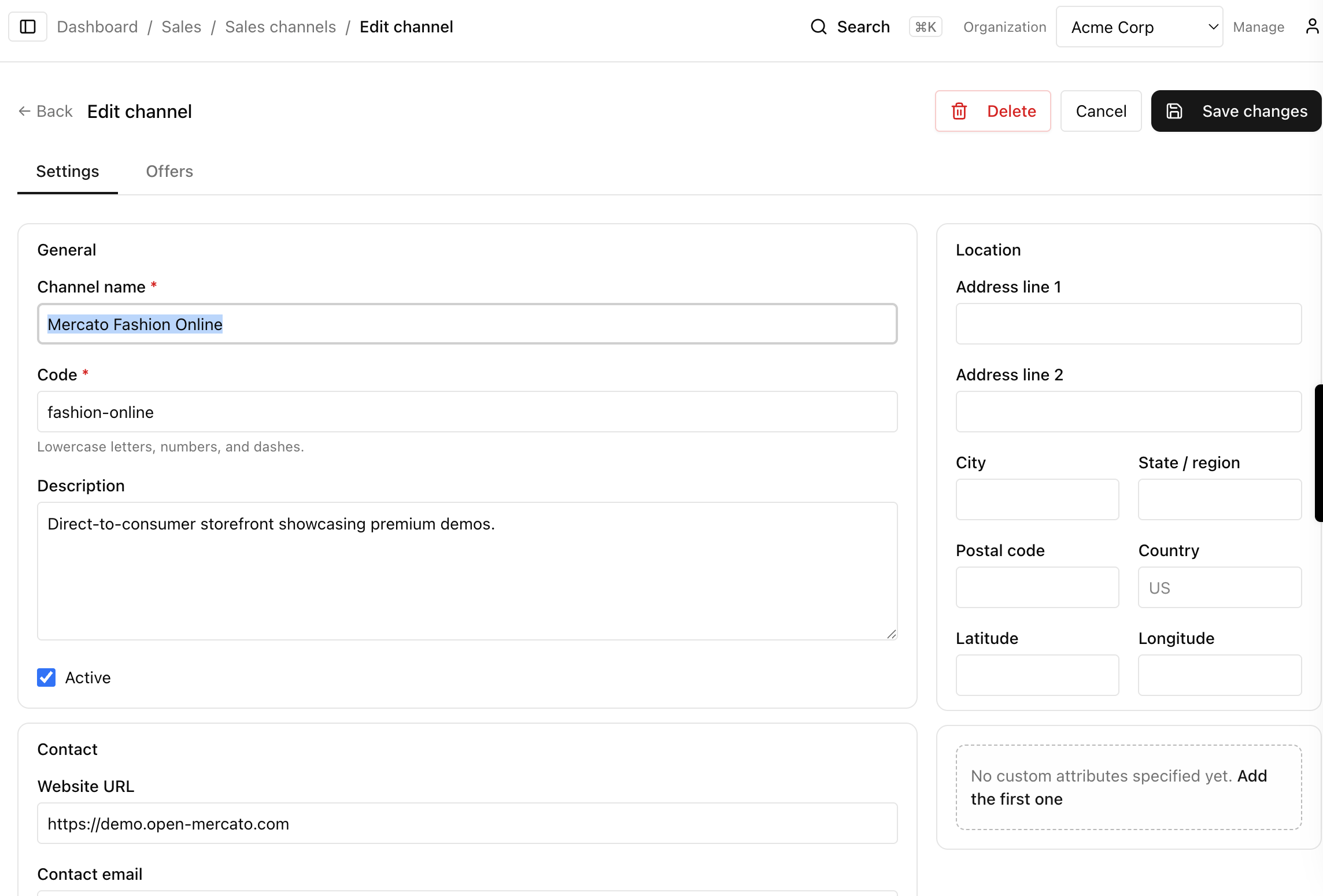
- In Settings, set the channel name, code, description, contact details, and whether the channel is active.
Add or adjust sales channel offers
Offers customize how a product appears in a specific channel (title, media, pricing, and status).
- From a channel, switch to Offers to see the products customized for that channel and add a new offer.
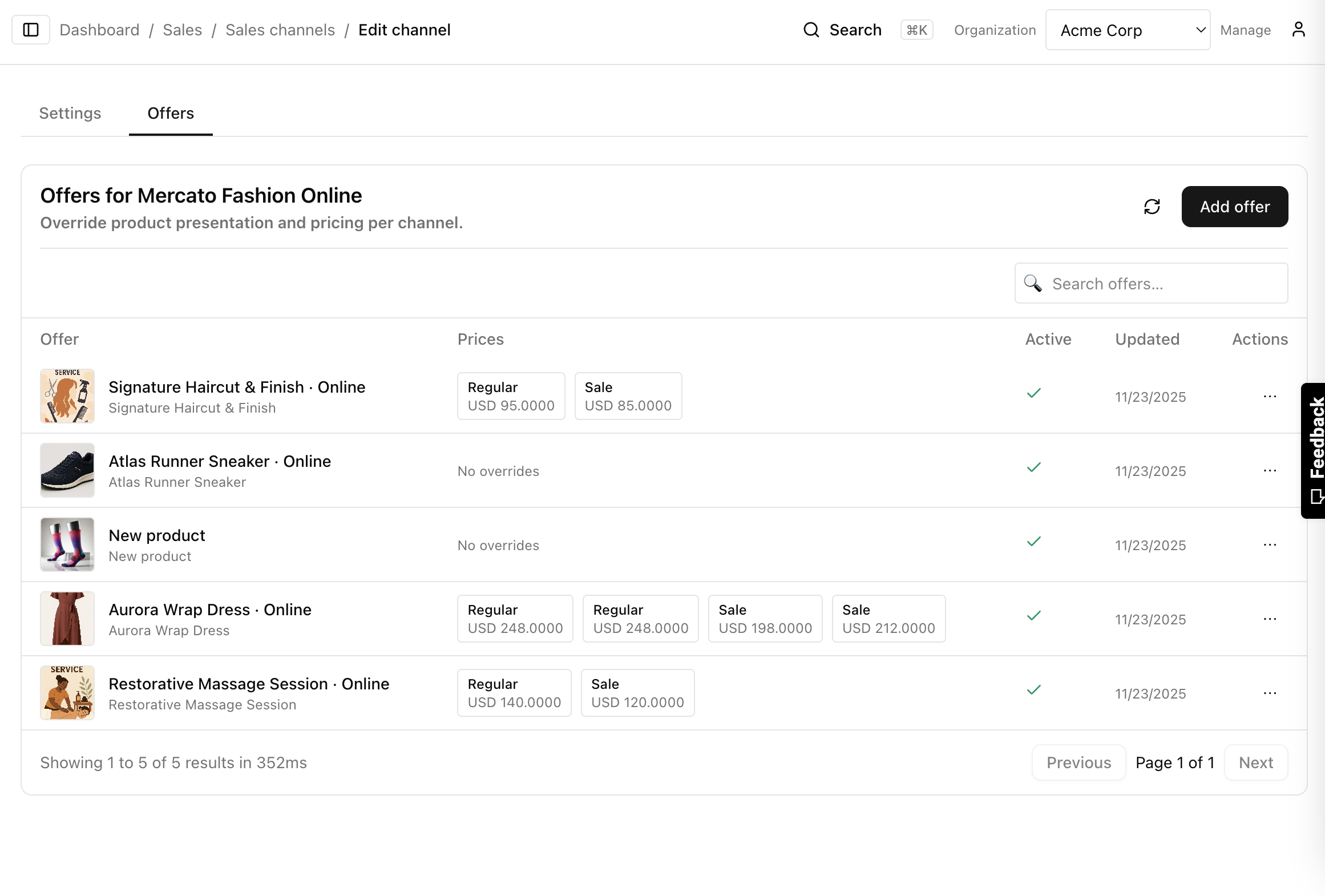
- Use Sales → Sales channel offers to review every offer across all channels, search, and filter by price kind.

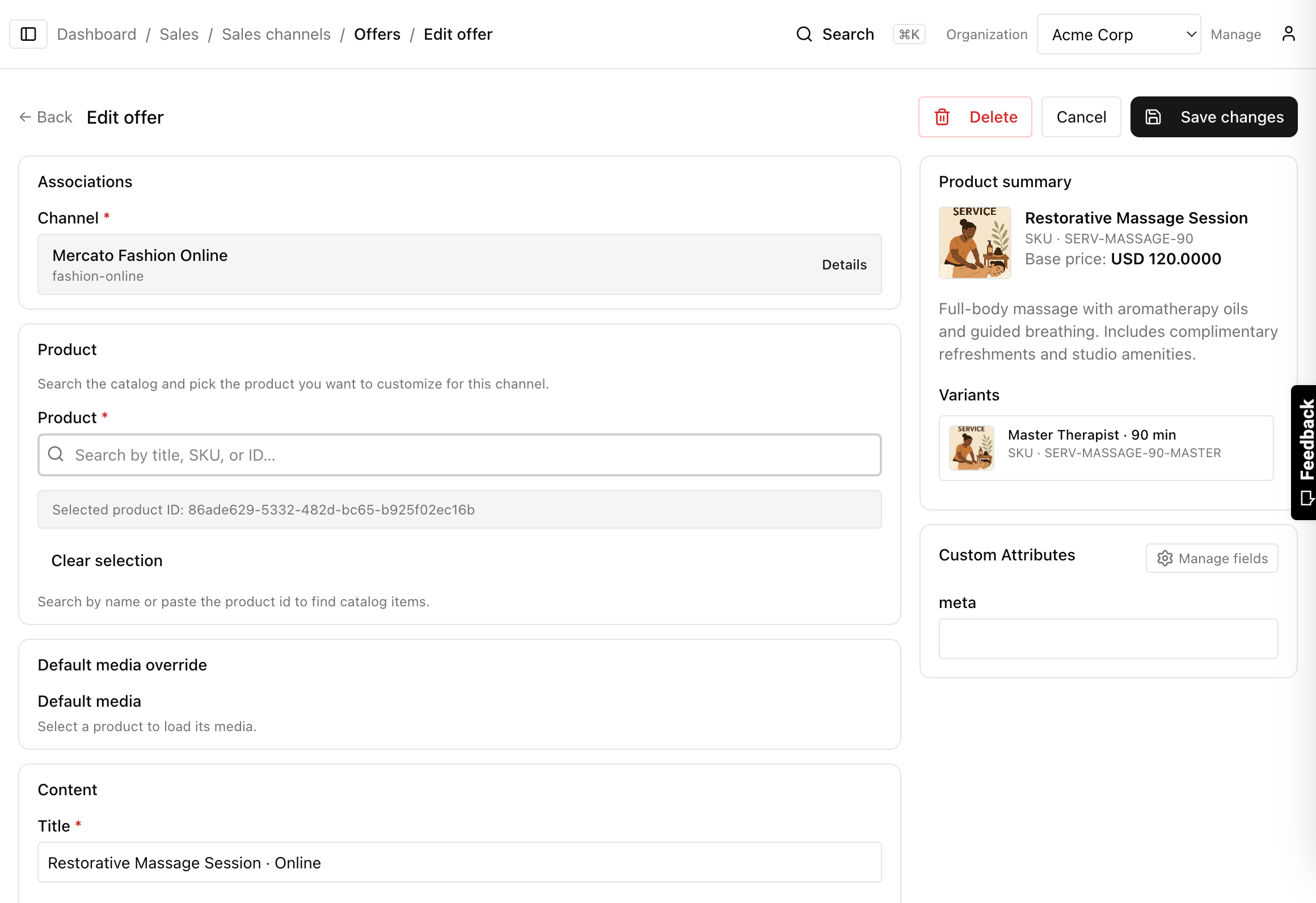
- When editing an offer, pick the channel and product, override media if needed, and update content or custom attributes.
How pricing works
Prices cascade so you can set sensible defaults and override only what changes per channel or promotion.
- Base prices live on the product or variant. They provide the starting point for any channel.
- Each offer can set a Channel price, shown when no overrides apply.
- Add Price overrides per price kind (e.g., Regular, Sale). Overrides take precedence over the channel price while the offer is active.

- Tax class defaults come from the product unless you override them per variant.
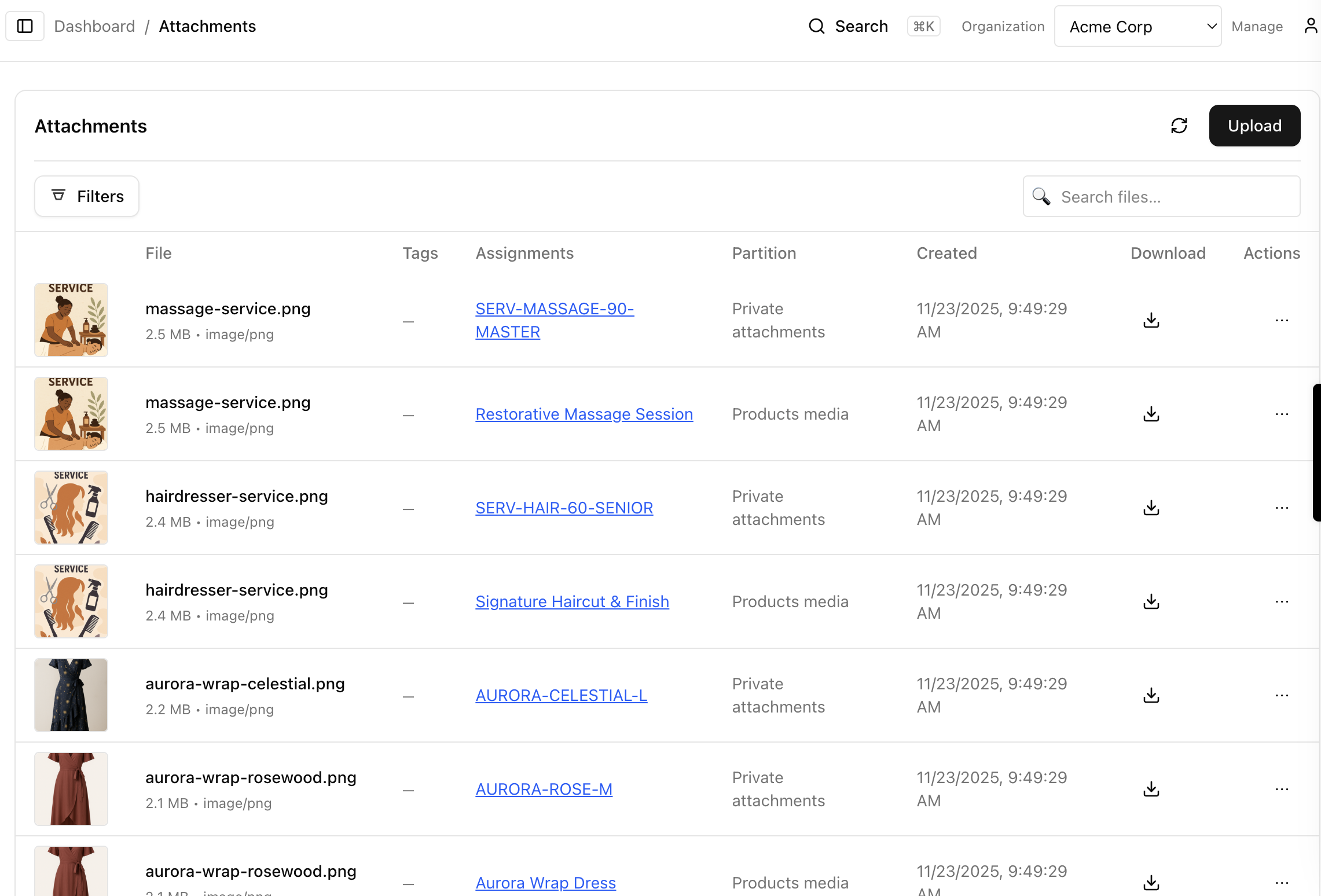
Use attachments to manage product imagery and other files:
- Upload media while editing a product (in General data → Media) or from the Attachments workspace.
- Assign an attachment to a product or specific offer so the file stays linked to its record.
- Edit attachment metadata to add tags, generate resized URLs, or retarget the assignment without reuploading.
- Use the shared Attachments library to search, tag, and reuse files across products and offers.
 DocsTopicsSearch docsAPI reference