User guide
Attachments
Find files in the attachment library or upload one against the record it belongs to. Check metadata and access settings before sharing the file's URL.
The Attachments workspace is the shared file library for documents, images, and other media used across Open Mercato. Open Storage -> Attachments to browse files, then use the storage settings page in Settings to manage partitions when you need different visibility or OCR defaults.
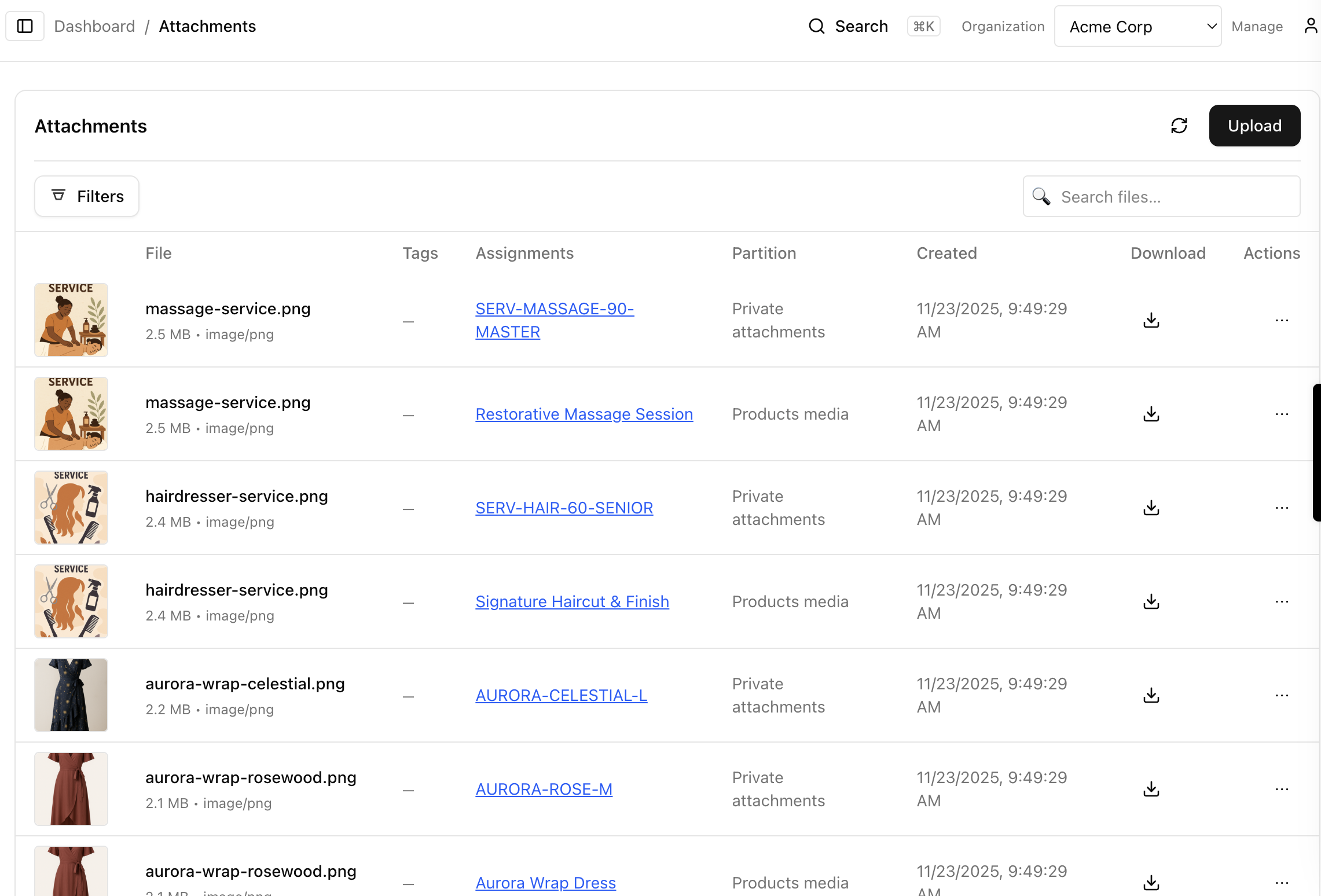
Browse the library
- Search by file name to find uploads quickly.
- Filter by partition or tags when different teams share the same library.
- Review assignments to see which record currently uses a file.
- Open or download items from the row actions without leaving the table.
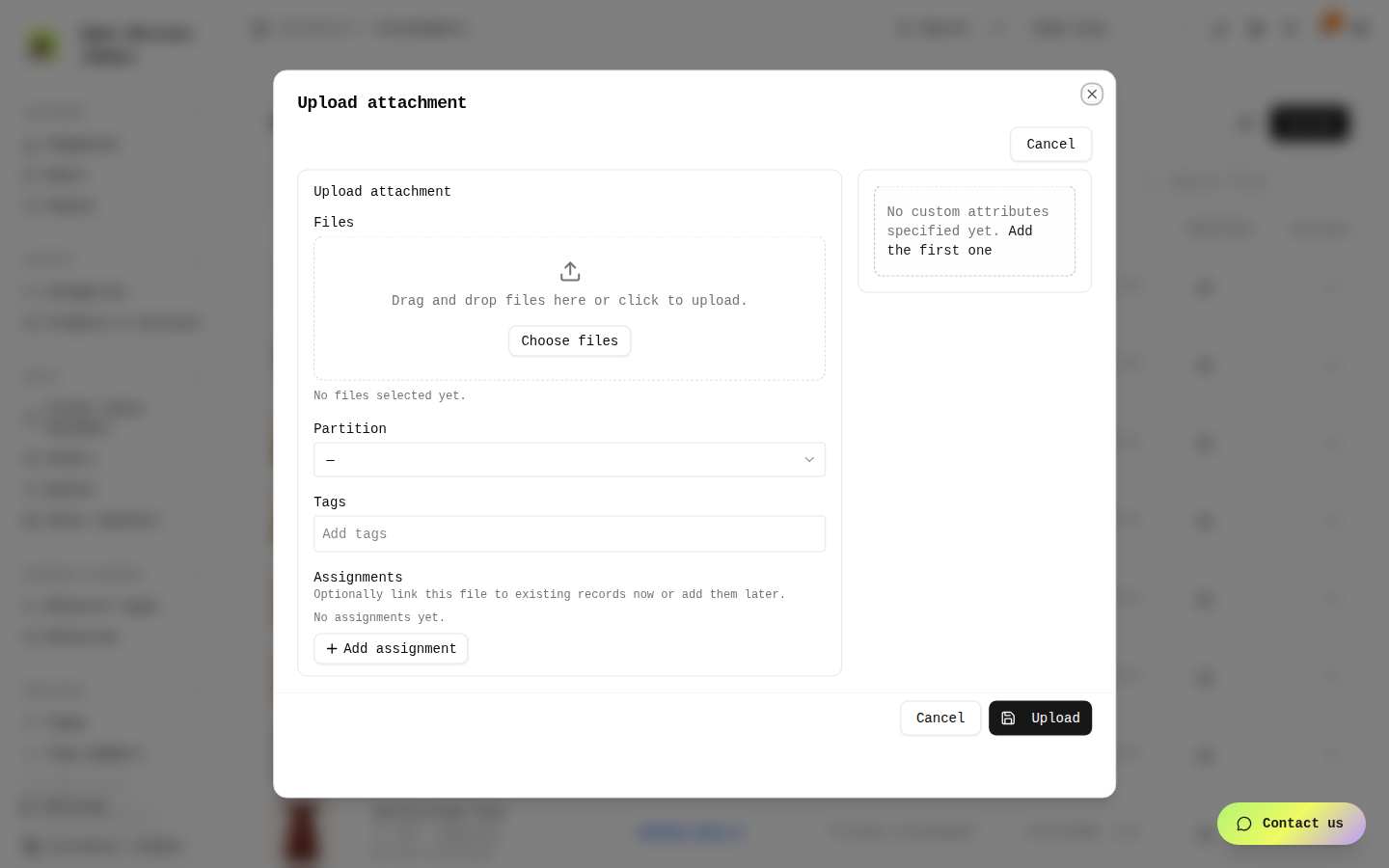
Upload attachments
- Click Upload to add one or more files.
- Drag and drop files or choose them from disk.
- Pick a partition when the file belongs in a specific storage bucket or visibility tier.
- Add tags and assignments during upload so the file is already linked to the right record.
- Fill custom attributes when your tenant added metadata fields for attachments.
Click any row, or use Edit metadata, to open the detail dialog.
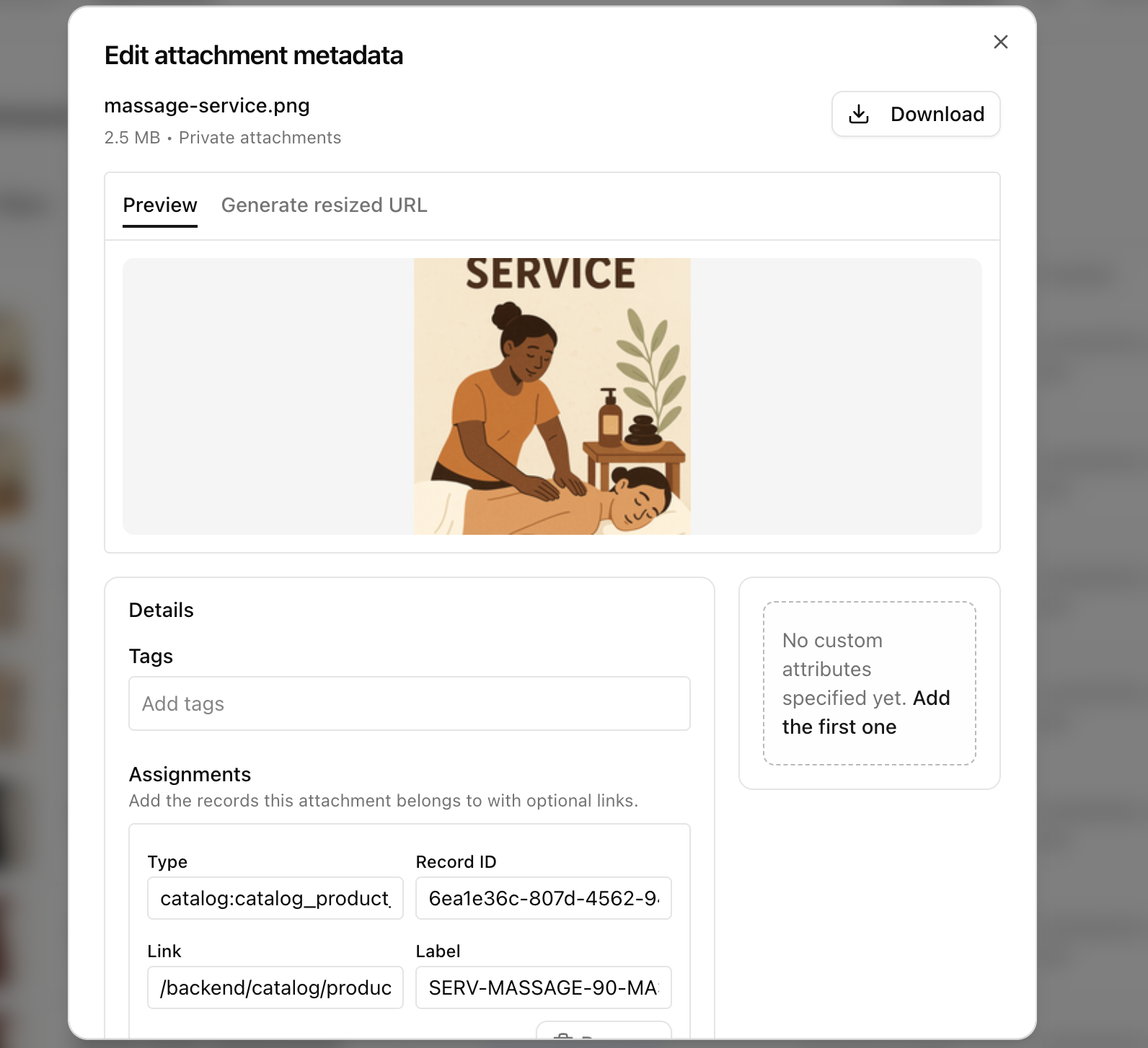
- Update tags to improve search and filtering.
- Add or remove assignments to retarget a file without reuploading it.
- Preview images and download the original file from the same dialog.
- Generate resized image URLs for image assets when you need a specific width or height.
- Review extracted text when OCR or text extraction is enabled for the partition.
Partitions and visibility
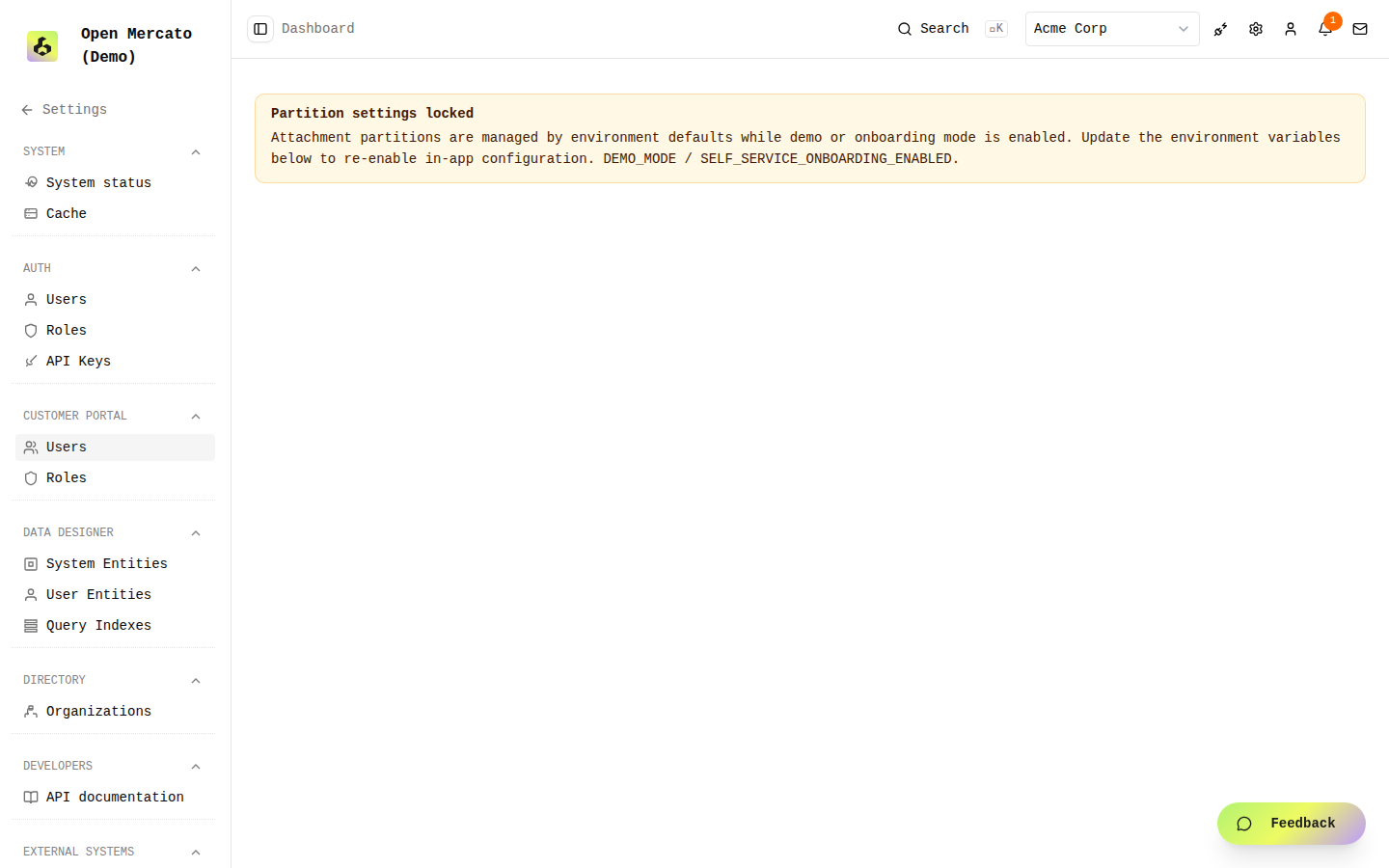
- Open the storage settings page in Settings to configure attachment partitions.
- Private partitions keep files behind authentication; public partitions can expose direct file or image URLs.
- OCR and text extraction can be enabled per partition, with optional model overrides.
- In demo or self-service onboarding environments, partition settings can be locked by environment configuration.
Where attachments appear
Access control
- Read-only access requires
attachments.view.
- Upload, edit, transfer, and delete access requires
attachments.manage.
- Pair these features with organization scope so users only see files from the tenants they are allowed to access.
 DocsTopicsSearch docsAPI reference