 DocsTopicsSearch docsAPI referenceDocsTopicsSearch docsAPI reference
User guide
Add fields to user records when your organization needs information beyond the built-in profile. Apply the definitions to the database and check the generated admin form.
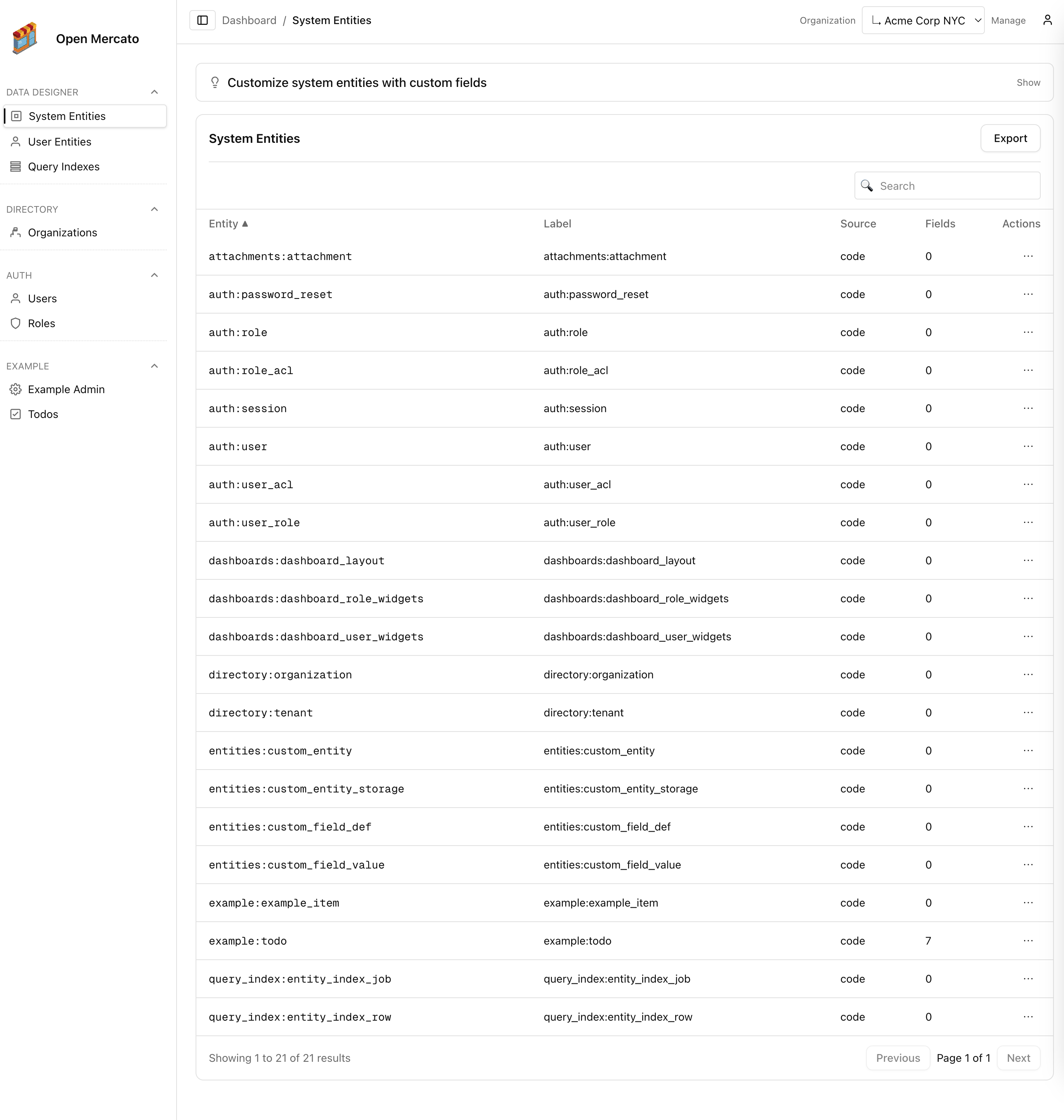
Need to capture extra context about each user? Open Mercato lets you extend the core auth:user entity without editing the module. Define tenant-scoped custom fields, sync them via the Entities CLI, and the admin UI renders the new inputs automatically.
formEditable so they are rendered inside CRUD forms.job_title, language_pref) to stay consistent with API payloads.ce.ts and target the auth:user entity id:import { defineFields, cf, entityId } from '@open-mercato/modules/dsl';
export const entities = [
defineFields(
entityId('auth', 'user'),
[
cf.text('job_title', { label: 'Job title', formEditable: true, filterable: true }),
cf.phone('work_phone', { label: 'Work phone', formEditable: true, filterable: true }),
cf.enum('language_pref', {
label: 'Preferred language',
options: ['en', 'pl', 'es'],
formEditable: true,
}),
],
'compliance'
),
];
yarn generate whenever you edit module metadata so generated IDs stay in sync.Whether you added fields from the UI or code, synchronize them for each tenant:
yarn mercato entities install --tenant <tenantId>
Without --tenant, the CLI processes every tenant plus the global scope. The command is idempotent – rerun it after definition changes or to seed a new environment. See docs/docs/cli/entities-install.mdx for the full option list.
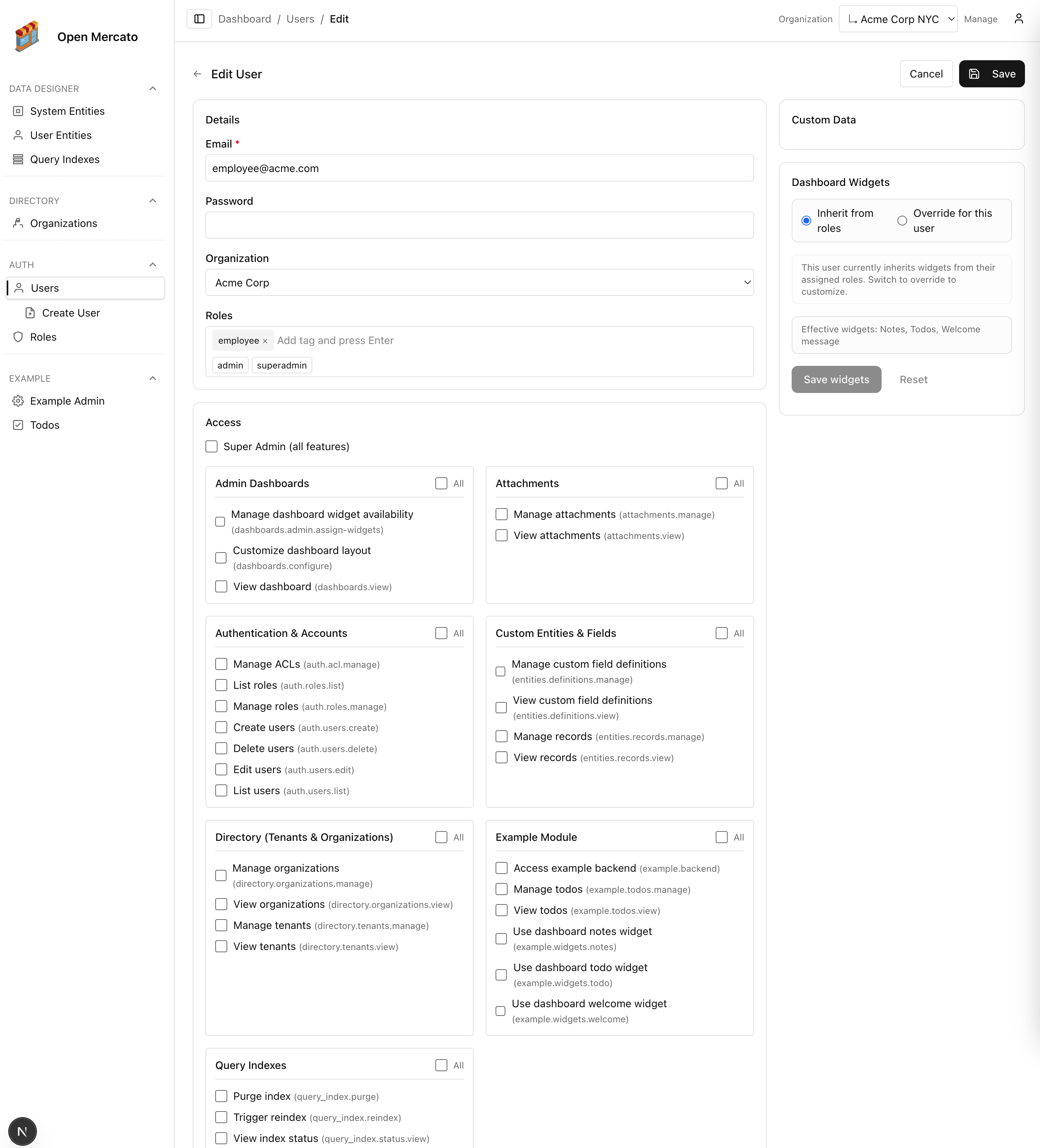
The user management pages already pass the auth:user entity id to the shared form component:
<CrudForm
  fields={fields}
  groups={[
    { id: 'details', title: 'Details', column: 1, fields: ['email', 'password', 'organizationId', 'roles'] },
    { id: 'custom', title: 'Custom Data', column: 2, kind: 'customFields' },
  ]}
  entityId={E.auth.user}
  /* ... */
/>
The CrudForm component (packages/ui/src/backend/CrudForm.tsx:118) detects the entityId prop, fetches custom field form configs, and appends them to the Custom Data group. No additional wiring is needed; new inputs appear as soon as the CLI sync completes.
The user CRUD API automatically splits payloads into base attributes and custom field values:
const { base, custom } = splitCustomFieldPayload(raw);
/* ... */
await dataEngine.setCustomFields({
  entityId: E.auth.user,
  recordId: String(entity.id),
  organizationId: entity.organizationId ?? null,
  tenantId: entity.tenantId ?? null,
  values: custom,
});
cf_<key> properties (for example cf_job_title) and store them via the shared data engine.cf:<key> projections, so filters like cf_language_pref=pl just work.Some teams split user data between the base auth:user record and auxiliary tables – think HR profiles or staff availability. When those related tables expose their own custom fields, instruct the Query Engine to pull them in by extending the list config (or direct queryEngine.query) with customFieldSources:
const userList = await queryEngine.query(E.auth.user, {
  tenantId,
  includeCustomFields: true,
  fields: ['id', 'email', 'cf:job_title', 'cf:availability_notes'],
  customFieldSources: [
    {
      entityId: E.hr.user_profile,
      table: 'hr_user_profiles',
      alias: 'hr_profile',
      recordIdColumn: 'id',
      join: { fromField: 'id', toField: 'user_id' },
    },
  ],
})
The engine merges definitions from every listed entity id, deduplicates keys, and aliases the projected values back to cf:<key>. This keeps multi-table models consistent without duplicating custom field plumbing.
auth:role, directory:organization, or your own module entities all support the custom field pipeline.