 DocsTopicsSearch docsAPI referenceDocsTopicsSearch docsAPI reference
User guide
After signing in, use the sidebar to open a module, the dashboard to check current work and search to find a record. What you see depends on your permissions and enabled modules.
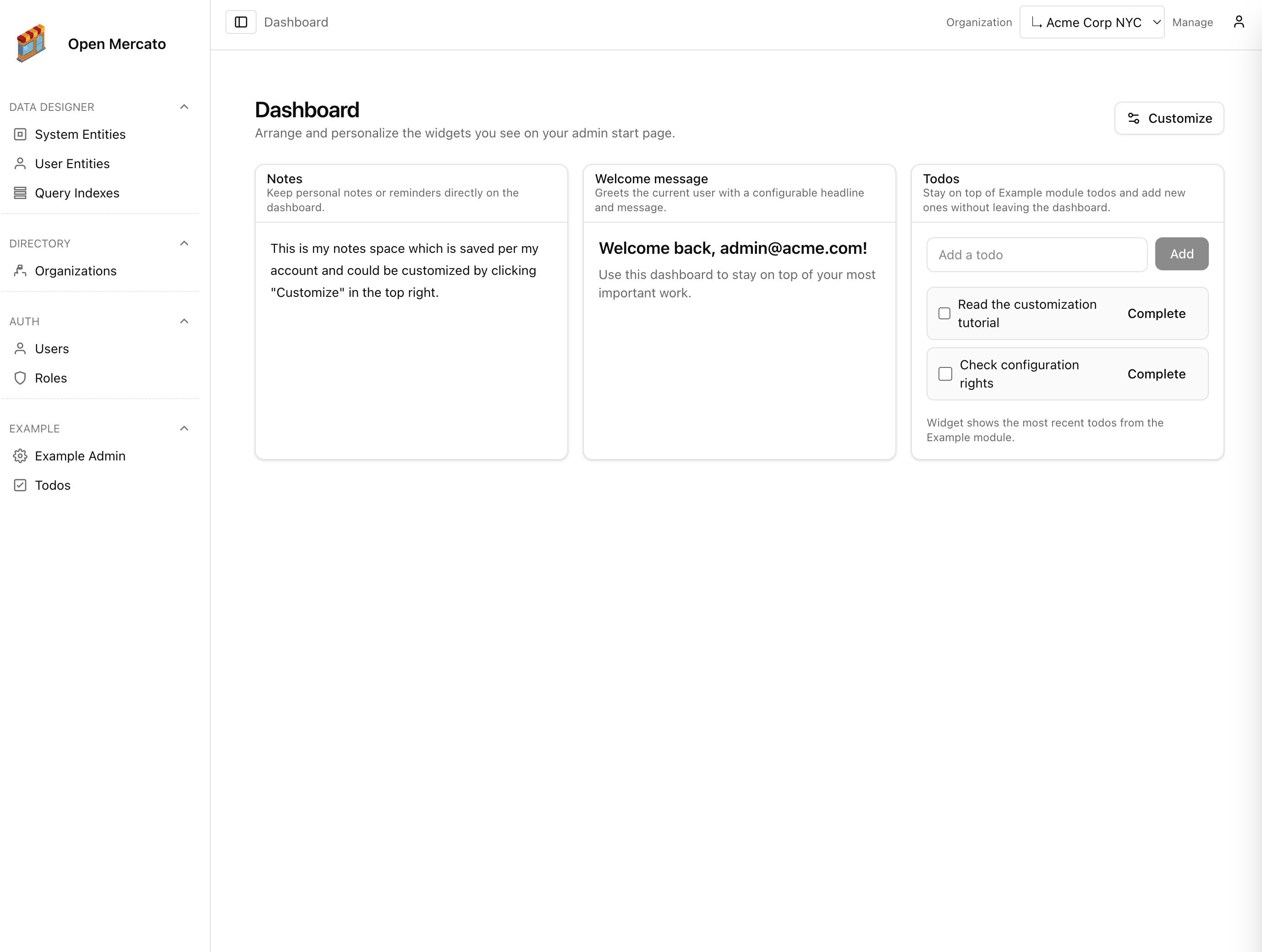
src/app/(backend)/backend/page.tsx, and see the dashboard widgets guide for customization details.Continue to the Login & authentication guide to understand how operators sign in, reset passwords, and switch organizations. From there you can deep dive into user management, custom entities, and role-based access control.
Looking to let visitors spin up a sandbox on their own? Review the self-service onboarding feature to see how the optional public flow works, its environment variable requirements, and why most production deployments keep it disabled.