Orders arrive through several channels
Email, portals and sales teams can leave operations with repeated entry. Scope each intake source and connect it to a validated order workflow.
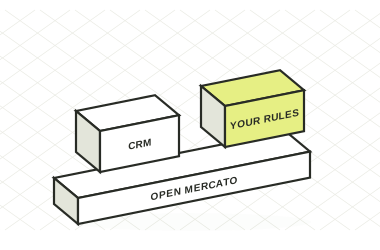

Give the people selling, packing and answering customers a connected order record. Build your B2B order management workflow on Open Mercato's sales, catalog and shipment foundations.
 MIT open source
 1,928 stars on GitHub
 50+ plugins
Email, portals and sales teams can leave operations with repeated entry. Scope each intake source and connect it to a validated order workflow.
A customer promise depends on up-to-date information. Define the system of record and synchronization rules before adding availability and fulfilment views.
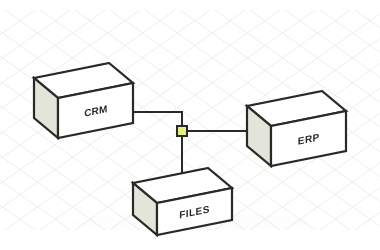
Labels, packing notes and tracking details often live separately. Bring them into the same operational chain, with the carrier and ERP integrations your business uses.
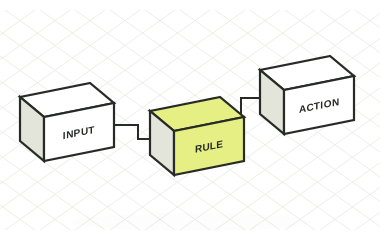
Convert commercial discussions into structured sales documents with customer and line-item context.
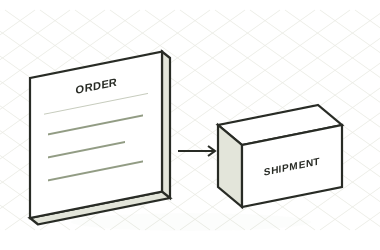
Use product, variant and channel pricing, taxes, discounts and document adjustments.
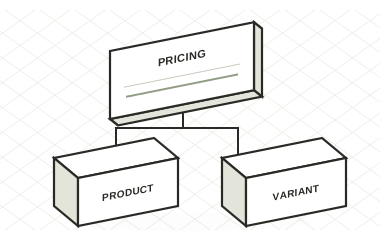
Allocate quantities to shipments and keep remaining items visible against the order.
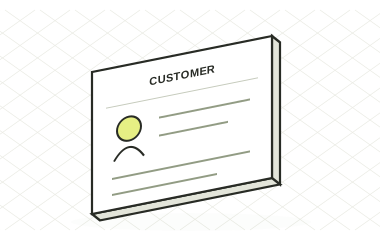
Extend the process with carrier integrations, packing screens, background jobs and status updates.
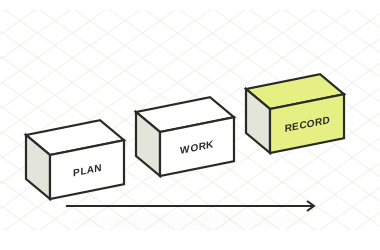
Compare manual order administration with the sales, pricing and shipment capabilities you can start with on Open Mercato.
| What your team gets | BUILT AROUND THE ORDEROpen MercatoSales + catalog + shipments | Spreadsheets + emailSeparate files and manual handoffs |
|---|---|---|
| Where Open Mercato adds control | ||
| Convert a quote into a linked order | ✓ | ×Copy and re-enter |
| Built-in product, variant and channel pricing | ✓ | ×Separate price files |
| Allocate order quantities to multiple shipments | ✓ | ×Manual reconciliation |
| Linked order, payment and shipment records | ✓ | ×Separate records |
| Application roles and feature permissions | ✓ | ×File access only |
| Capabilities available in both | ||
| Record customer orders and line items | ✓ | ✓Manual records |
| Calculate prices, taxes and discounts | ✓ | ✓Manual formulas |
| Implementation and scope | ||
| Synchronize order data with your ERP | ↗ERP integration | ×Manual handoff |
| Carrier labels and tracking updates | ↗Carrier integration | ×Manual coordination |
Baseline: separate spreadsheets and email, without an integrated order-management application. Inventory synchronization, carrier connections and financial integrations are scoped per implementation.
Reviewed 12 November 2026. Sources: Sales documentation · Shipment documentation · Open Mercato core · Customer records
| What matters | Order-management requirement | Open Mercato |
|---|---|---|
| Order intake | Which channels create the order and who validates it? | Sales APIs and extensible workflows support the intake integrations you scope. |
| Commercial context | Can pricing, discounts and taxes be explained? | Catalog pricing and sales adjustments keep the calculation attached to the record. |
| Partial fulfilment | Can one order ship in several parts? | Multiple shipments can fulfil quantities from the same order. |
| Tracking | Where can customer service see a shipment update? | Shipment records can be connected to carrier and ERP integrations. |
| System ownership | Where do stock, invoicing and financial truth live? | Define those boundaries in the project and connect the appropriate systems. |
MDM NT introduced a packing workspace, batch label jobs and carrier tracking through Open Mercato. The integration made the shipment information available in its existing ERP.
Read the MDM NT story ↗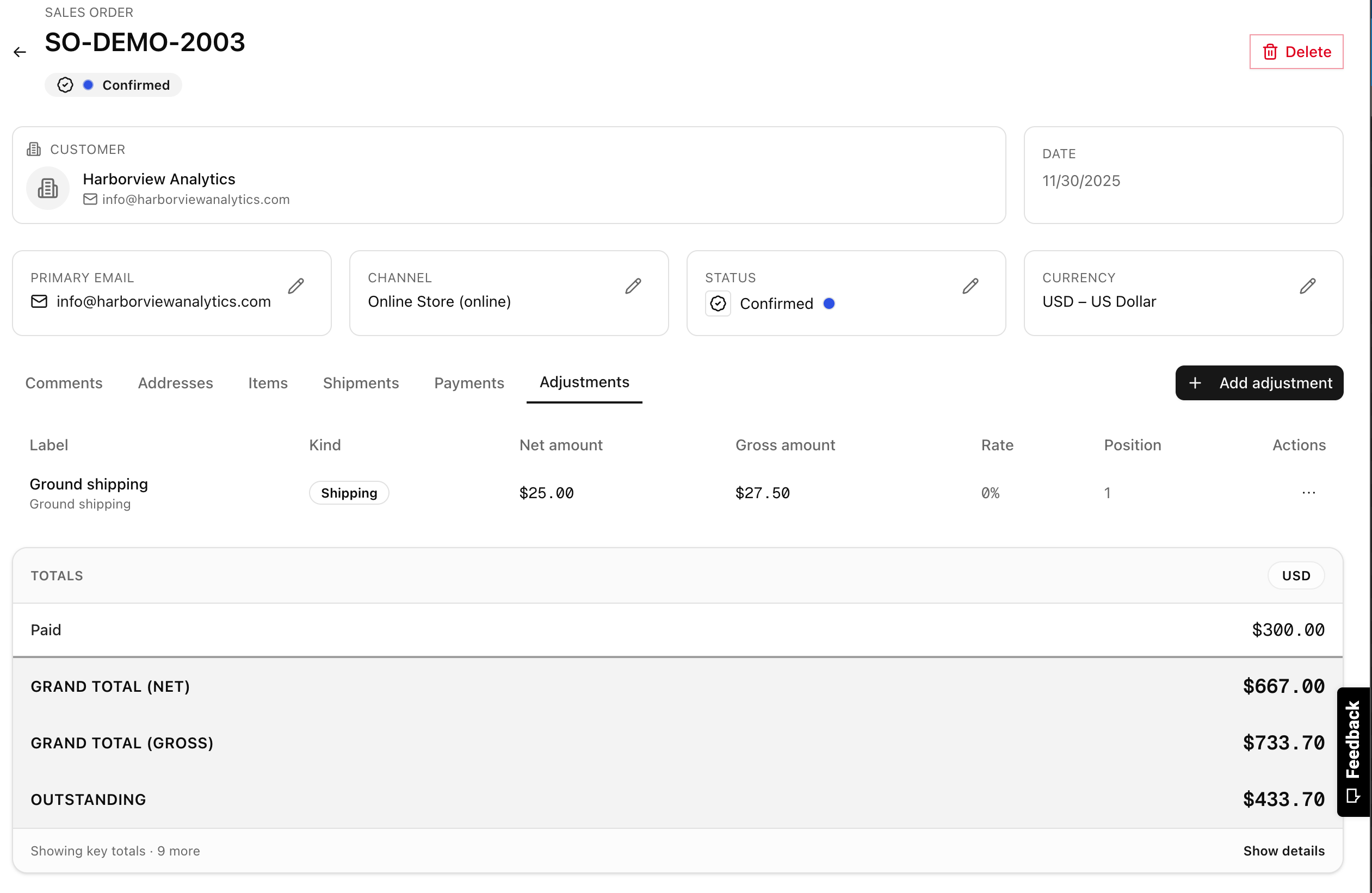
List intake channels, pricing decisions, approvals, fulfilment steps and customer notifications.
Map customer, SKU, tax, carrier and ERP identifiers. Decide how stock and financial records will be synchronized.
Rehearse partial shipments, cancellations, price changes, returns and failed integration calls as required by your business.
Start with one channel or warehouse, reconcile transactions and train the team that handles exceptions.
Carrier-driven shipment creation requires a configured carrier integration. Review the carriers and services you use during scoping, then test labels, status updates and exception handling.
The Sales module supports multiple shipments against an order, with quantities and remaining fulfilment visible. Your warehouse process can build on that foundation.
Yes, integrations can be implemented through the API and extension architecture. The work depends on each system's interface, identifiers, data ownership and synchronization requirements.
Inventory and warehouse requirements should be scoped alongside order management. Define reservations, locations, units, picking and stock ownership before choosing the modules and integrations for production.
A split shipment, a custom price or a missing tracking update is a useful starting point for a focused implementation conversation.
Talk through your process, integrations and implementation needs with the Open Mercato team.