A won deal gets retyped downstream
Quotes, customer records and order details travel between sales and operations. Build a shared handoff with explicit record ownership and a connection to the ERP.
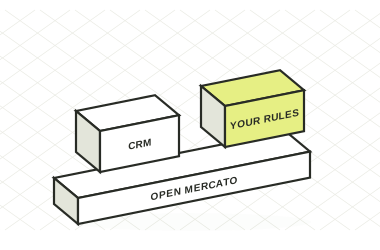

Quotes, specifications, delivery questions and order updates should stay connected. Build your manufacturing CRM on Open Mercato and bring the ERP information your sales team needs into their workflow.
 MIT open source
 1,928 stars on GitHub
 50+ plugins
Quotes, customer records and order details travel between sales and operations. Build a shared handoff with explicit record ownership and a connection to the ERP.
Delivery questions become calls to logistics. Give sales access to the shipment and order status relevant to the customer conversation.
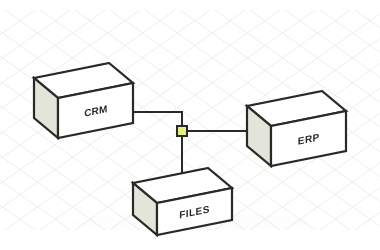
Specifications, exceptions and approvals need their own place. Extend records and workflows around the way your products are sold and delivered.
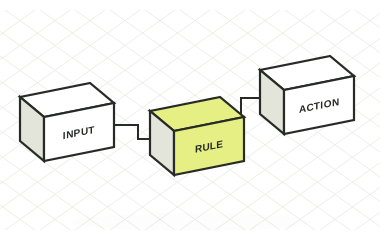
Keep companies, contacts, addresses, notes and activities linked to the relationship.

Configure stages around qualification, quotation and commercial approval, with values and expected close dates.
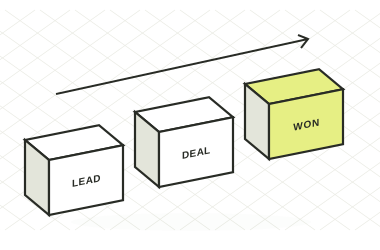
Use sales documents with line items, totals, payment and shipment context.
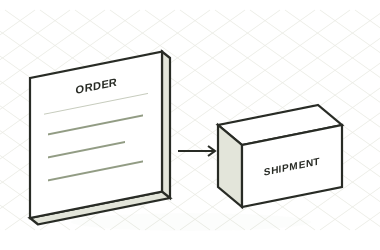
Scope the product, customer, order and status connections, including validation and exception handling.
See what a manufacturing CRM adds when customer records, quotes and fulfilment updates are currently kept in separate files.
| What your team gets | CONNECT THE HANDOFFSOpen MercatoCRM + sales and shipment modules | Spreadsheets + emailSeparate files and manual handoffs |
|---|---|---|
| Where Open Mercato adds control | ||
| Built-in links between accounts, contacts and deals | ✓ | ×Manual cross-references |
| Convert a quote into a linked order | ✓ | ×Copy and re-enter |
| Shipment records linked to orders | ✓ | ×Separate tracking files |
| Application roles and feature permissions | ✓ | ×File access only |
| Approval workflows in the application | ✓Configure the workflow engine | ×Email follow-up |
| Capabilities available in both | ||
| Store customer and contact details | ✓ | ✓Manual records |
| Track pipeline stages and deal values | ✓ | ✓Manual tracker |
| Implementation and scope | ||
| Synchronize customers and orders with your ERP | ↗ERP integration | ×Manual handoff |
| Plant-specific packing and carrier updates | ↗MDM NT reference | ×Manual coordination |
Baseline: separate spreadsheets and email, without an integrated business application. Custom integrations are implementation work. MDM NT demonstrates a dedicated shipping implementation alongside its existing ERP.
Reviewed 12 November 2026. Sources: MDM NT implementation · Open Mercato core · Customer records
| What matters | Workflow to check | Open Mercato |
|---|---|---|
| Customer context | Can a colleague understand the relationship without asking the account owner? | Linked companies, people, notes, activities and deals. |
| Quotation | Where are quote revisions, line items and commercial decisions kept? | Quote and order foundations you can adapt to your process. |
| ERP handoff | Which records are entered twice and which system owns each field? | Project-specific integration with agreed ownership and validation. |
| Shipment visibility | Can sales answer a delivery question from the customer record? | Shipment records and integration options for carrier status. |
| Industry rules | Which specifications and approvals make your sales process different? | Custom fields, entities and workflows for those requirements. |
At a 500-person manufacturer, Open Mercato connected packing records, label generation and tracking. Customer service gained shipment information inside the ERP it already used.
Read the MDM NT story ↗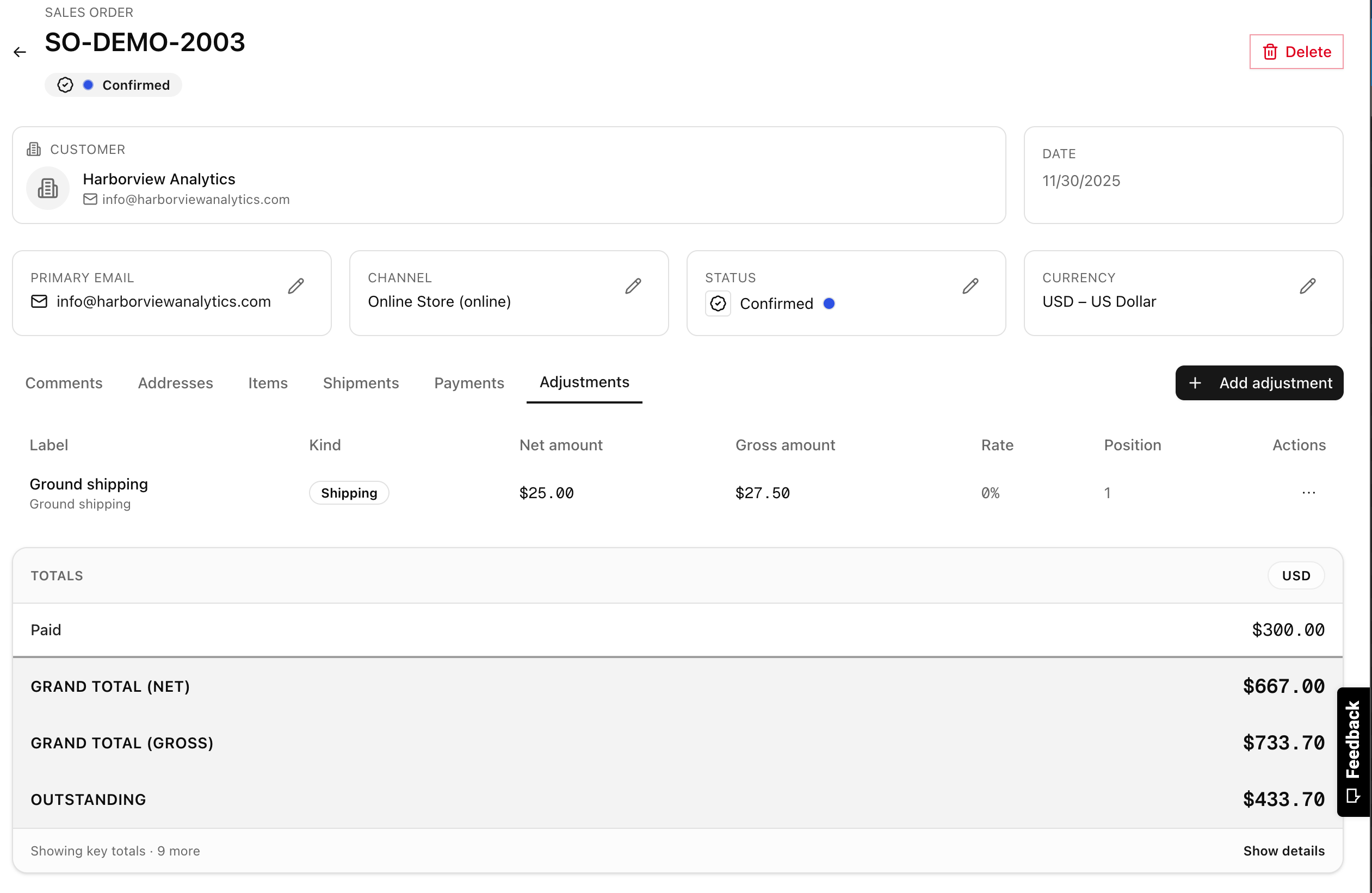
Map the customer request, quote, approval, ERP handoff and delivery questions.
Identify customer and product masters, ERP identifiers and the systems responsible for each status.
Import a sample, configure stages and test both a standard order and an exception with sales and operations.
Track duplicate entry, time to answer order questions and handoff errors. Use the results to prioritize the next workflow.
Start by reviewing its APIs, exports and integration options. MDM NT's project shows Open Mercato operating alongside an existing ERP. Your data mappings and synchronization behavior need to be scoped.
The CRM and Sales modules cover the commercial workflow. Manufacturing planning, recipes and LOT traceability are domain requirements that can be addressed through a specialist implementation such as TraceCore.
Those views depend on reliable data from your inventory and planning systems. Include availability, reservation and delivery-date rules in the integration scope and test them with real orders.
Agree a baseline for re-entry, order-status response time and handoff errors. Then test the same workflow with the people who use it before expanding the rollout.
We can help you turn that journey into a focused CRM and integration scope.
Talk through your process, integrations and implementation needs with the Open Mercato team.