

A buyer says, “Let’s meet on December 15 to talk about the contract.” The rep has a follow-up date. Does the deal also have a new close date? A manager looking at the December forecast will care which box the answer landed in.
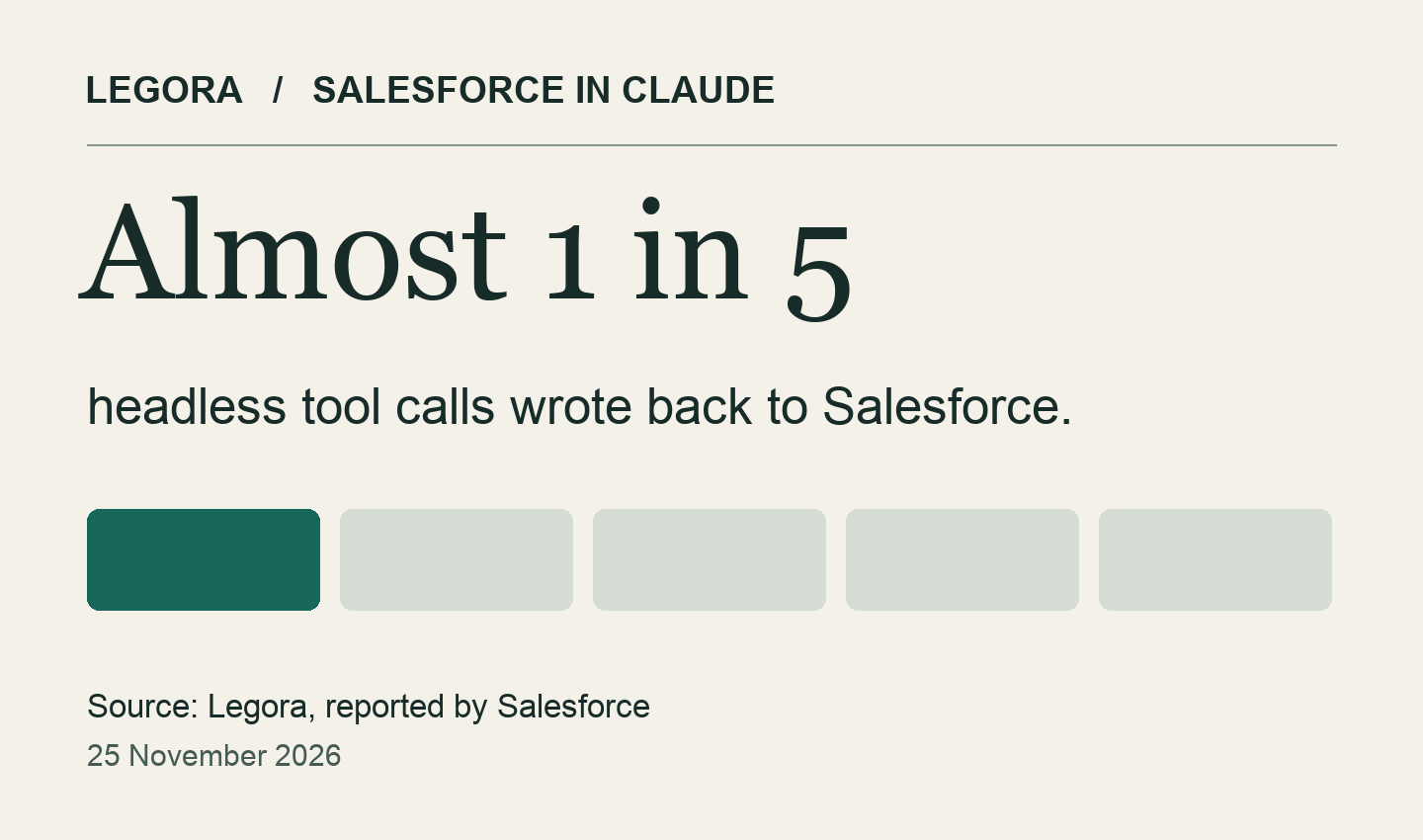
That example is hypothetical. The decision is already on someone’s desk. On November 25, Legora’s director of go-to-market systems and architecture, Francis Outwin, reported that writes accounted for almost 20% of the company’s headless tool calls as teams used Salesforce through Claude. His figure counts calls that change records. It tells us nothing about how many sellers used the tool, which fields they changed, or how often a rep had to correct one. Legora’s account, published by Salesforce
What the seller is being asked to approve
In the Salesforce in Claude beta, a rep can give Claude a call transcript or notes. The follow-up skill can draft a customer email and a summary for the deal channel. Claude can also propose updates to the opportunity, including its next step, stage and close date. The rep can review those suggestions while the conversation is still fresh. These are documented product capabilities. Legora hasn’t published a breakdown of which ones its team uses. Anthropic’s sales workflow
Two people make different decisions before a change reaches the forecast. The Salesforce admin determines what the signed-in rep can see and edit. The Claude admin decides whether the connector can write at all and whether it must ask the rep first. Salesforce recommends the setting called Needs Approval for writes. Required fields and read-only fields still follow Salesforce’s save rules. Salesforce’s connector guide and record validation reference
December 15 is a perfectly valid date. A rep with permission to change it can approve it. Neither check answers the sales question: did the buyer mean a meeting or a signature? If the approval shows only the proposed date, the rep has to reconstruct the conversation to catch the mistake. Showing the old value, the proposed value and the buyer’s words together gives the rep something to judge.
Give the close date its own decision
Here’s how we’d build that handoff in an Open Mercato CRM. Start with one action: log the follow-up. Give it a deal, a note and the date of the next conversation. Leave the forecast close date out of the fields that action accepts. A rep can then save “discuss contract on December 15” without moving a deal into December’s forecast.
When a buyer really does commit to signing on a different date, offer a separate action. Show the current close date beside the proposed one, with the sentence that prompted the change. Let the deal owner accept, edit or dismiss it. If someone else has changed the date since Claude read the deal, show the new value and ask the owner to review it again.
Open Mercato supplies organization-scoped data access, feature permissions checked before an API handler runs, and validators that forms and APIs can share. The team building this workflow owns the two actions, the review screen and the check for a stale value. A second action costs the rep an extra decision when a buyer reschedules a signing. It also means an ordinary follow-up can go through without asking someone to approve a forecast change. How Open Mercato handles a request
Once reps start adding their own shortcuts, someone also needs to own the ones the whole team uses. How Ramp handled tools built by its sales team
Before enabling writes, give two reps the same ten anonymized call notes. Ask each to mark the next meeting and the expected signature date, leaving either blank when the buyer never said. Then compare their answers with the assistant’s proposals. Count every meeting the assistant turned into a close date. If your reps can log all ten follow-ups while leaving those disputed dates untouched, you have a sensible first permission to turn on.