
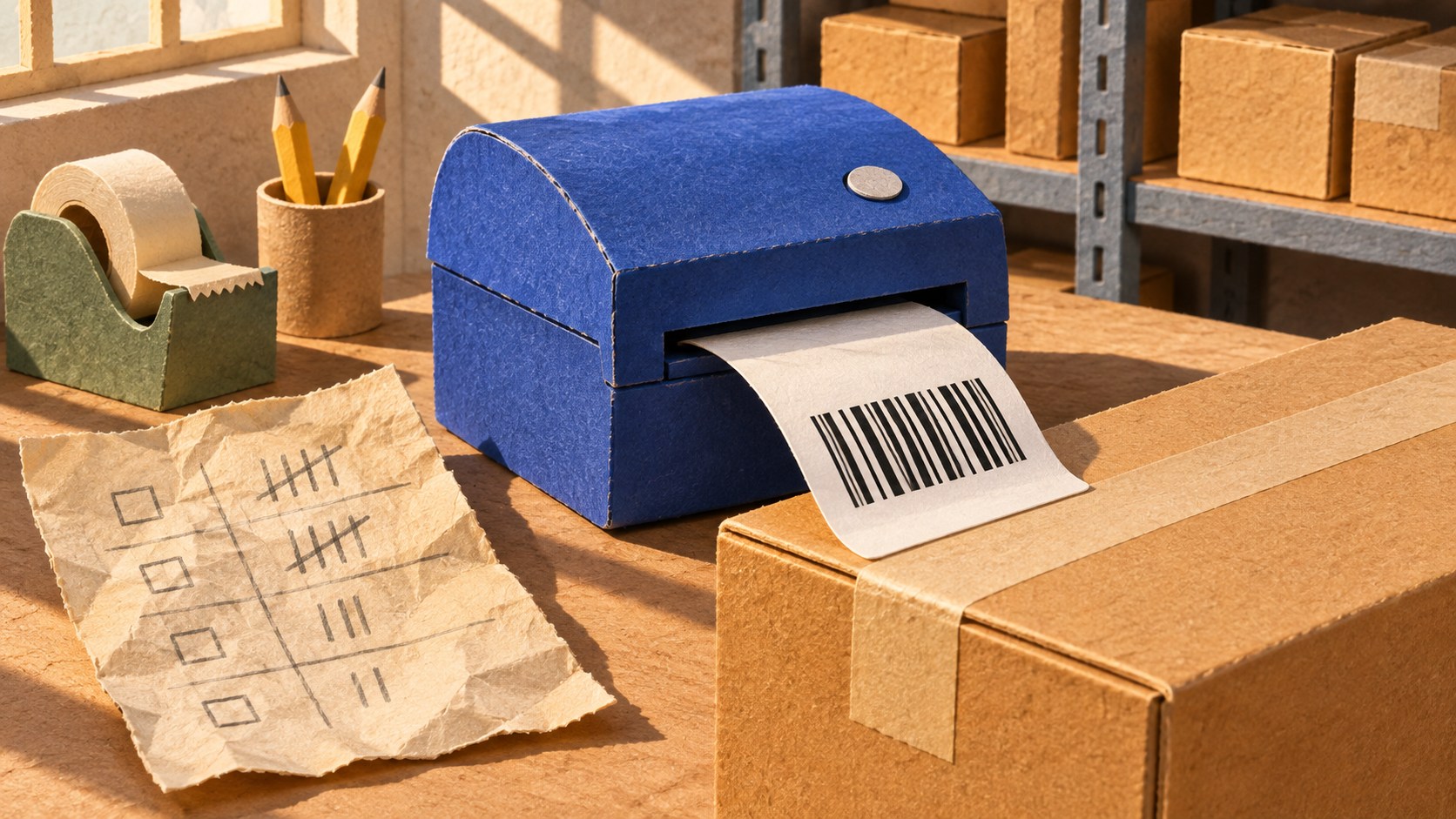
At MDM NT, a manufacturer with 500 employees and five plants, the trip from a packed box to a shipping label involved a walk. A packer wrote down how an order had been packed and took the note to the colleague who printed the labels. That person had to decipher the handwriting and enter the details again.
Marcin Sulich was already looking at a broader ERP migration. He and the head of warehousing picked a smaller first job. They put a button in the system the company describes simply as its existing ERP. A click sent the shipment details to Open Mercato, which requested a label from the carrier and routed it to the printer at the right plant.
If you’re looking for an ERPNext alternative, what’s your equivalent of that handwritten note? Take the last order somebody had to fix by hand. Following it from the warehouse to billing is a good way to decide whether to change a form, build a separate workflow, or move the business to a new ERP.
Try the order in ERPNext first
Suppose a customer orders ten pumps. Six leave on Tuesday and four on Friday. Dispatch tracks the split in a spreadsheet because the sales team keeps calling to ask how many are still due.
Give a dispatcher that order in a test copy of ERPNext. They can create two Delivery Notes against the same Sales Order. After the first six leave, ask the salesperson to find the four still owed. When the rest ship, ask billing to trace both deliveries back to the order. Frappe walks through the steps in its Delivery Note guide.
You may discover that everyone can find the quantities. The driver, though, relies on the spreadsheet for the customer’s unloading reference. Try adding the reference to the Delivery Note with Customize Form. Print a copy and hand it to the driver. If it has what they need, dispatch can retire the spreadsheet. Dispatch changes where it enters the reference. Sales and billing keep their existing process.
Keep the order in the ERP and give packing its own screen
Back at MDM NT, the button solved the label request. The handwritten packing note was still making the trip across the floor. The team built a packing screen where staff could scan a dispatch document and record how they packed the shipment. The shipping clerk could then queue a batch of labels. Customer service could look up the carrier’s status in the familiar ERP, with updates every ten minutes. Read the MDM NT shipping case study.
If you’re weighing an extension like this, try a paper jam during the pilot. The carrier has accepted the shipment, but the label never came out. Can the clerk print it again without booking a second shipment? Who can tell whether the carrier accepted the first request? Have the clerk show you how they would recover while the parcel is still on the bench.
For a team already running ERPNext, a Frappe app is one option to price. A separate application, like the one MDM NT built on Open Mercato, is another. Ask each team who will maintain the connection and what happens to the quoted cost when a carrier changes its API.
Which version did the customer receive?
At OPAK KREFT, a corrugated packaging maker near Gdańsk, the owner used to spend Sundays assembling paperwork. Board specifications lived in a spreadsheet and in suppliers’ price lists. Packaging drawings lived in another program. The company already had an ERP that handled invoicing.
The important question was what the office should send if a customer asked for March’s datasheet after a supplier changed the weight of its board in April. Regenerating the sheet with April’s figures would produce a perfectly plausible answer to the wrong question.
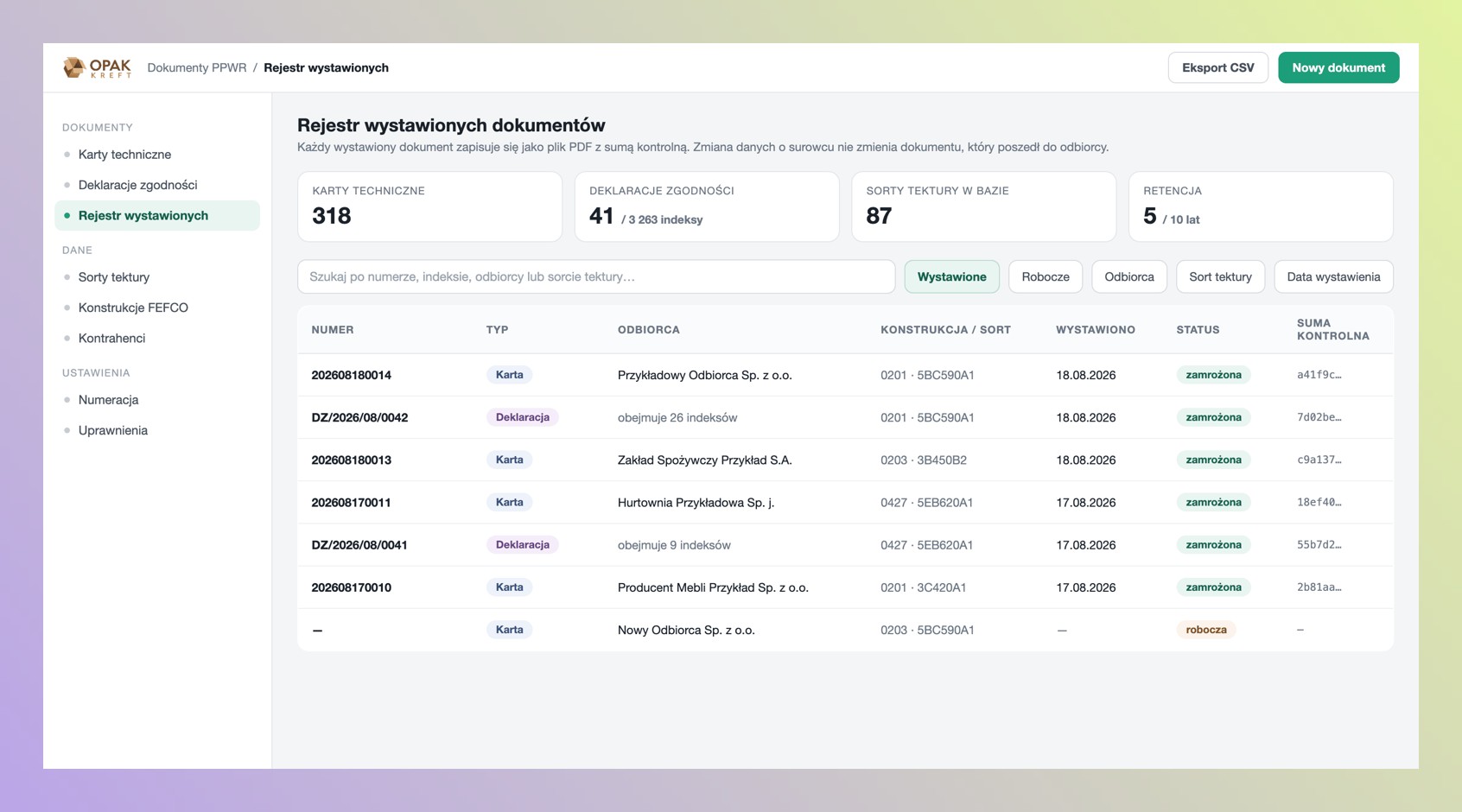
Flowbiz built a document generator on Open Mercato. When the office issues a sheet, the generator saves the PDF and a checksum, a fingerprint of that file. Flowbiz tested it by changing the board weight and retrieving a previously issued document. Its contents were identical, down to the last byte. A correction gets a new number. Invoicing stays in the existing ERP. See how OPAK KREFT keeps the exact document it sent.
When is replacing the ERP worth it?
A different case emerges when the same order breaks down in purchasing, stock and billing. Suppose a customer receives a partial shipment, returns one item and disputes the invoice. The warehouse has one figure, finance has another, and someone spends Friday afternoon reconstructing both from email.
First check where the figures diverged. An unrecorded return at the loading bay is something you can fix there. If trained staff follow the agreed process and still have to maintain parallel records to close the month, record the hours spent on corrections over a full month. Compare the cost of carrying on, maintaining an extension and switching systems over the same period.
Take that partly fulfilled order to a replacement demo. Bring the open quantities, stock on hand and balance owed as they stood on the day before the return. Ask the vendor to bring the order across, process the return and show the credit. Let the warehouse lead check the quantities and finance check the balance. Include the time both teams will need to learn the new system. You now have a way to compare the vendors on your open-source ERP shortlist.
What to bring to the project meeting
Bring one order number, the piece of paper or spreadsheet that traveled with it, and the person who filled it in. Put three questions on the agenda.
- Where did someone have to enter the same information twice, and how often does that happen?
- If the figures disagree, which record should we correct, and who can correct it?
- What would we have to see on this order to accept the fix?
Keep that order for the first demo. When someone ticks “supports returns” on a feature list, hand them the order. Let the people who packed it and billed it tell you whether the proposed fix would have worked on that order.