
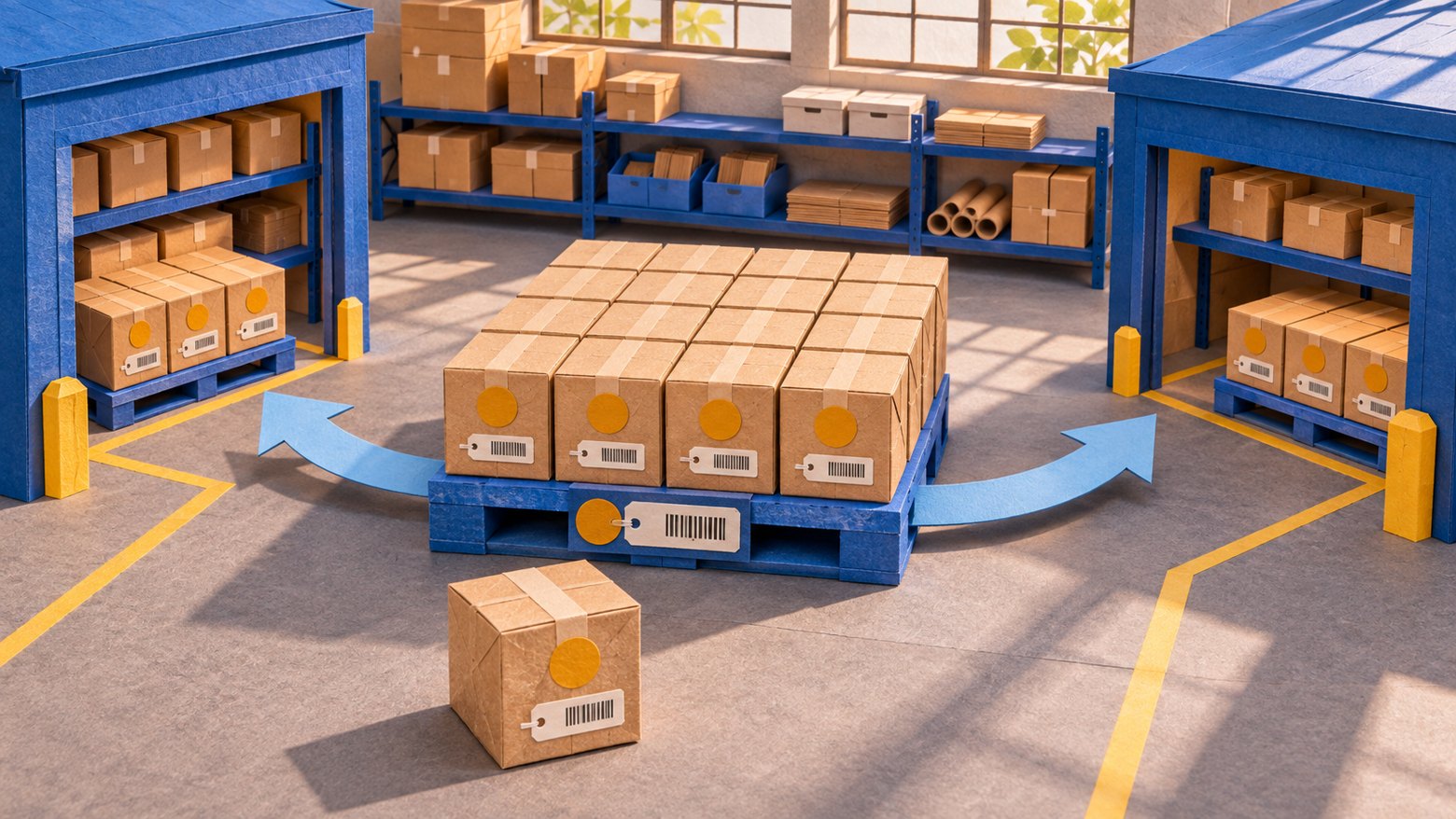
Give a warehouse software vendor a lot number and ask who received it. Then add one detail: three customers bought the same product, but only two received stock from that lot. Can the warehouse manager identify those two customers and show the dispatch record for each?
That is a useful first demo for an open-source warehouse management system (WMS). A stock screen can tell you how many units are left. A customer trace also needs to tell you which units left, where they went and what record supports the answer. The following exercise fits on one sheet of paper. You can give it to any vendor, or run it against your own installation.
Download the one-page lot trace worksheet. It has room for the receipt, both shipment references and the step you want the vendor to price.
Set up a lot that is easy to get wrong
Use one SKU, rolls of blue packing labels. Turn on lot tracking for that product. Create two bins, A and B, and three test customers named Juniper, Cedar and Larch. Use an empty location or check the opening balance first. Agree that quantities are counted in rolls. All the names, numbers and expected balances below are test data.
- Receive 120 rolls of lot BL-17 into bin A. Open the receipt and write down its reference. At this point the whole lot is in one place.
- Move 40 rolls of BL-17 from A to B. A should show 80 and B should show 40. A transfer changes where stock sits. The warehouse still holds 120 rolls of BL-17.
- Dispatch 30 rolls from A to Juniper and 12 from B to Cedar. Use separate sales orders, J-104 and C-208. Ask the operator to show which lot was actually picked on each shipment. Stop after reservation once, check the quantities, then finish the dispatch.
- Give Larch the same SKU from a different lot. Receive 10 rolls of BL-18 and ship all 10 to Larch on order L-309. Larch is the control. A report that searches by SKU alone will include this customer.
Hand the keyboard to someone else
Give a second operator just BL-17. Put the worksheet face down. Ask for the remaining stock by bin, the quantities that left and the customer and shipment reference for each dispatch. Have them open a shipment and work backwards to its lot. Watching where they have to switch screens tells you more than timing the presenter.
The answer key is 50 in A, 28 in B, 30 dispatched to Juniper and 12 to Cedar. The 78 rolls still on hand plus the 42 dispatched account for the original 120. Larch belongs only to BL-18. If the two bins balance but the customer list includes Larch, you have found a break between stock and fulfillment.
Ask the operator what the last timestamp means. A reservation earmarks stock. A posted dispatch records that it left the warehouse. If your customer service team must say who received a lot, show them where a delivery confirmation is attached. Until that evidence arrives, the precise answer is “shipped to Juniper.” That distinction matters when someone is about to call a customer.
Where Open Mercato WMS ends and TraceCore begins
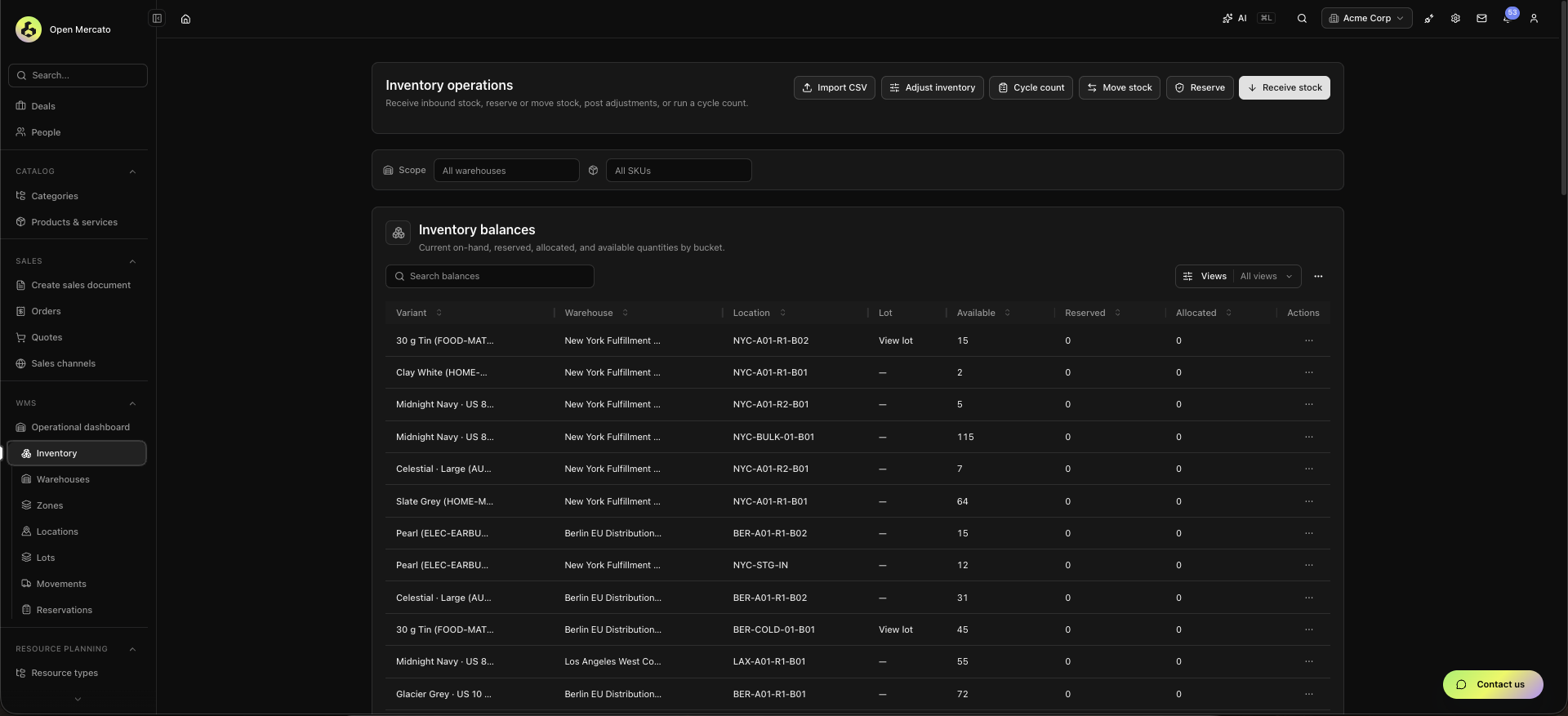
In Open Mercato, the WMS module has warehouse locations, inventory profiles with lot tracking, stock lots, balances and movements. Its sales-order integration also has a reservation record. Start there for the receipt, bin transfer and stock check. For the outbound half, ask to see the link from the picked lot to the customer’s shipment in the implementation you are buying. The presence of a lot field on stock and a customer field on an order does not establish that connection. See the WMS inventory screens and inspect the module and its data model.
A manufacturer has a different question. Suppose BL-17 is an ingredient and the factory uses it in two finished batches. The outgoing lot numbers will differ from the incoming one. Someone has to record which production run consumed the material, which finished lots it produced and which of those lots shipped.
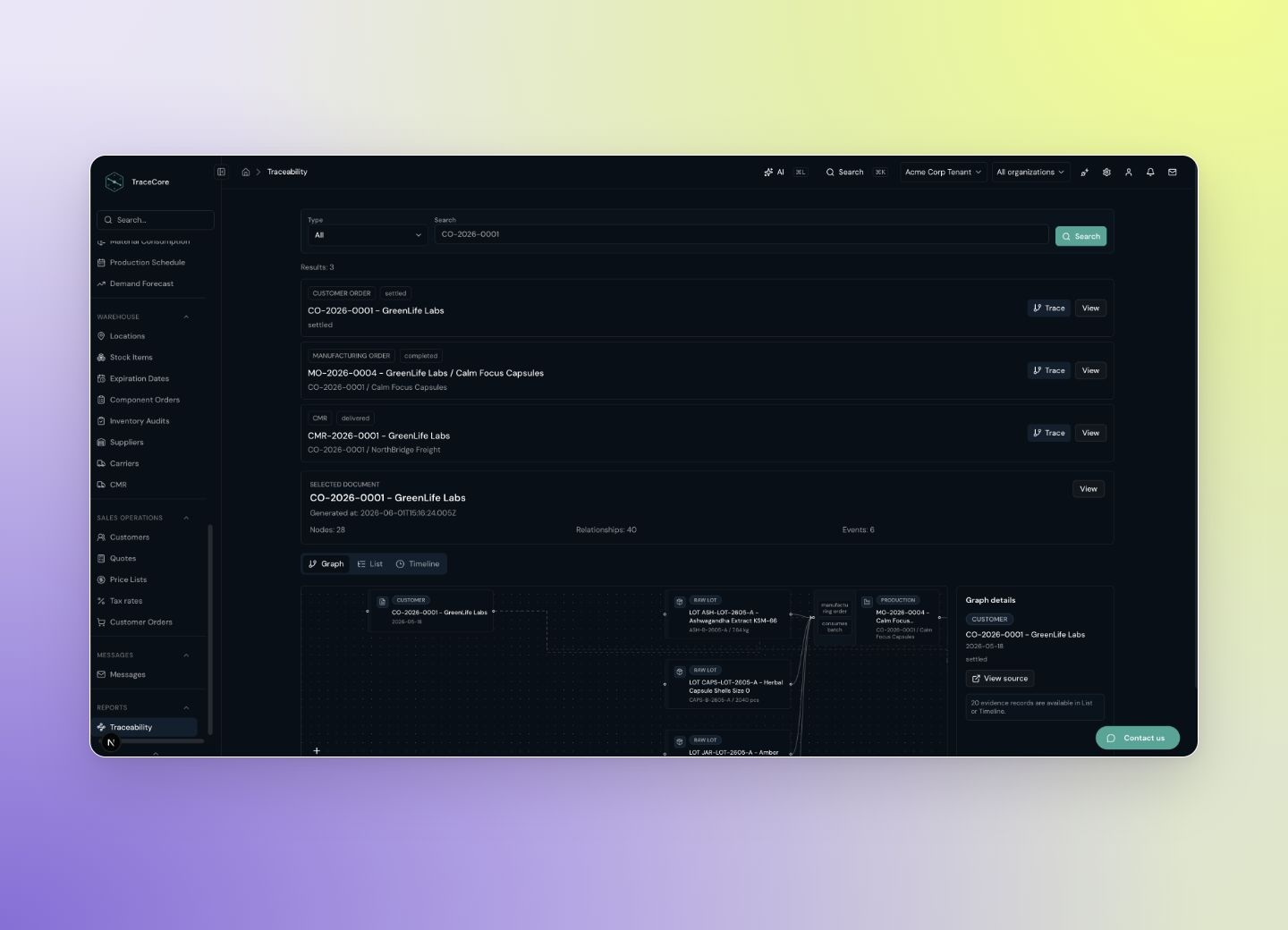
TraceCore, built on Open Mercato for BGW Pharma, connected recipes, manufacturing and LOT history in its own application. Give a manufacturing vendor a second exercise: start with one raw-material lot and ask for all affected finished batches, then pick one finished batch and ask which input lots went into it. That checks the part a simple bin transfer never touches. Read how TraceCore built its production trace.
Leave the meeting with three things: the two shipment references, the reconciled bin balances and the path the second operator followed. If a step needed a spreadsheet, a custom report or a carrier integration, put its name beside that step. You now have something concrete to scope before you buy.